Did you enjoy the game?
Your review helps other parents learn about this math learning game.
Number Land grows with your child — from discovering numbers and counting, through addition and subtraction, to multiplication and division.


The app begins right at your child's current level. Choose a stage matched to their abilities — every child learns at their own natural pace.
Tracing strokes & amounts to 20
Combining sets & column addition
Taking away, line & borrowing
Equal groups, tables & arrays
Fair sharing, remainders & columns
5 learning worlds tailored to ages 3–8. No pressure, no rush.
The learning path is divided into 5 distinct lands. Each world is a logical step forward, arranged with gradually increasing difficulty.

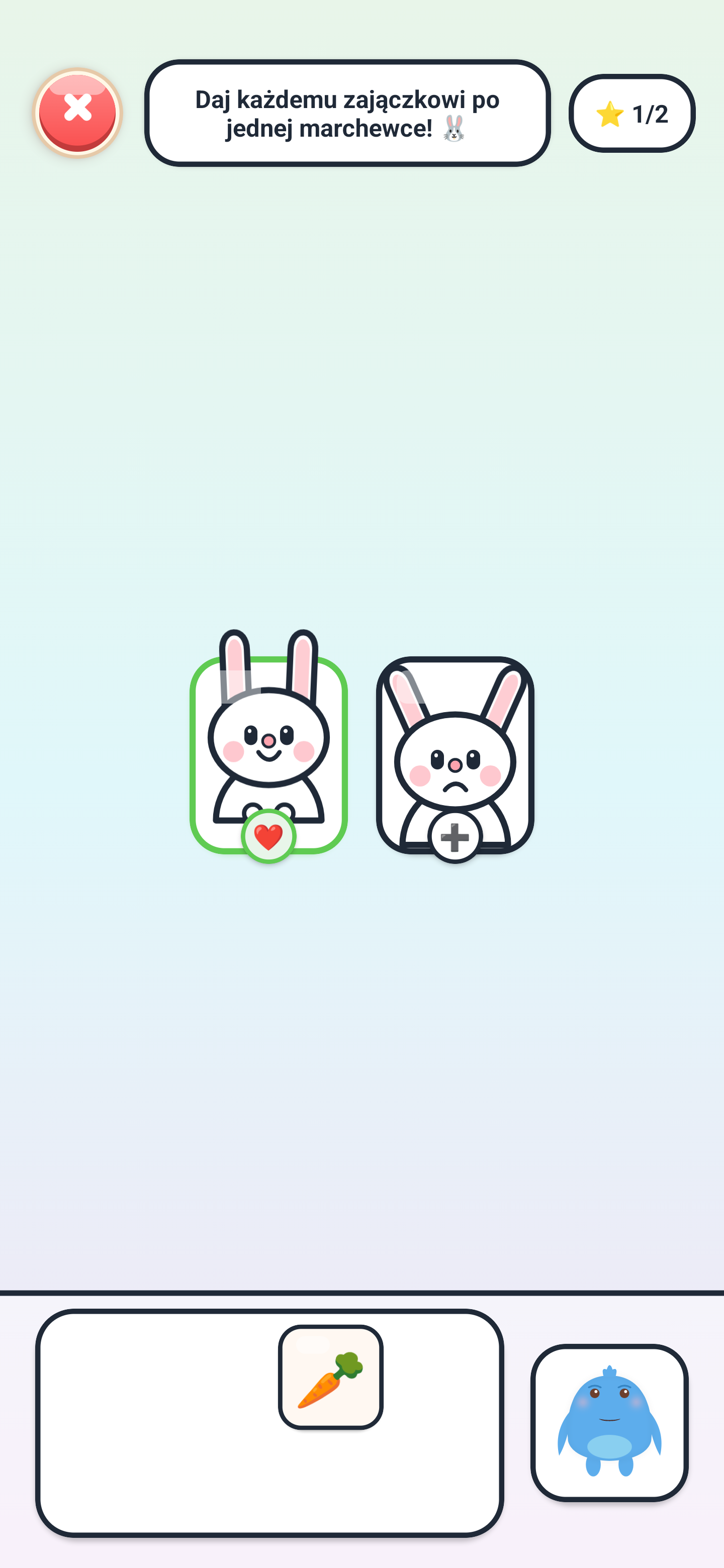
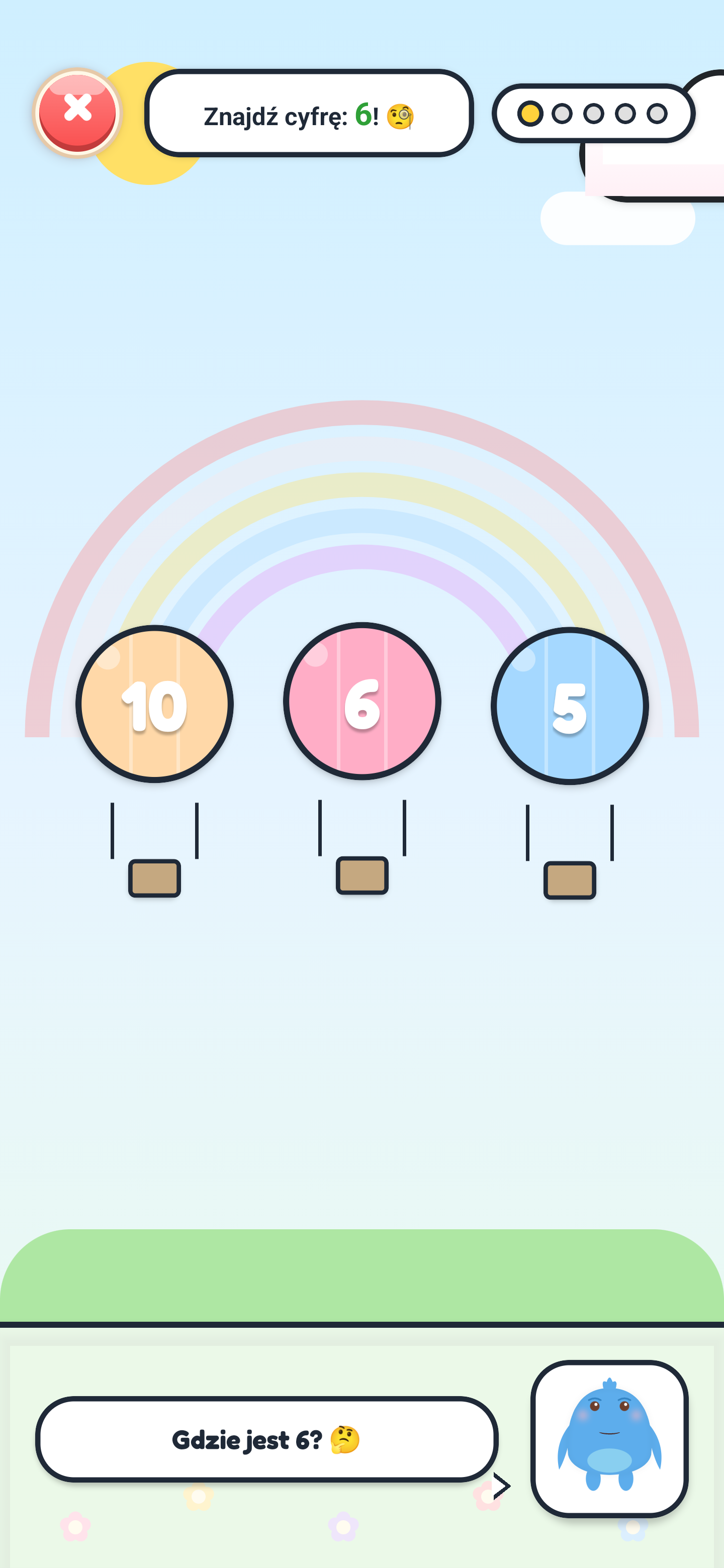
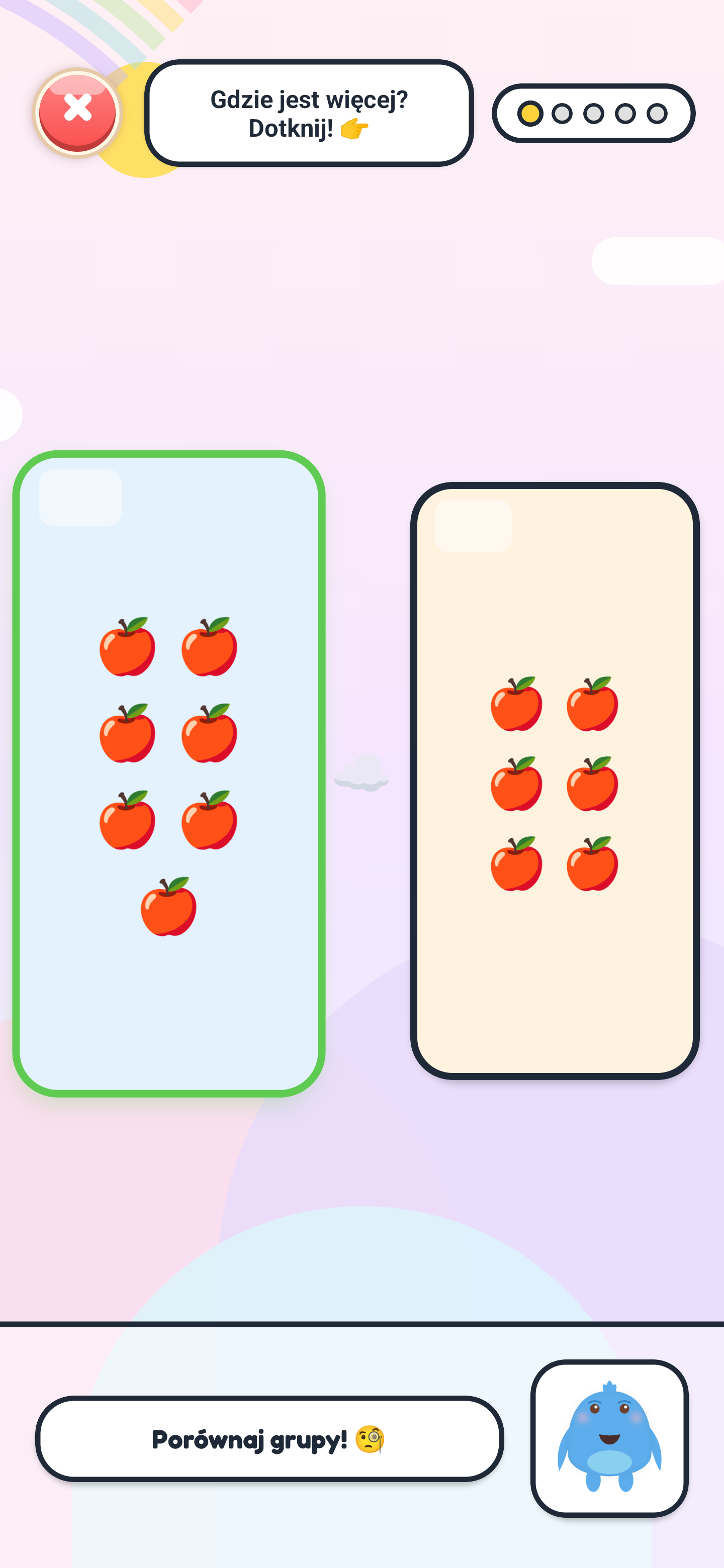
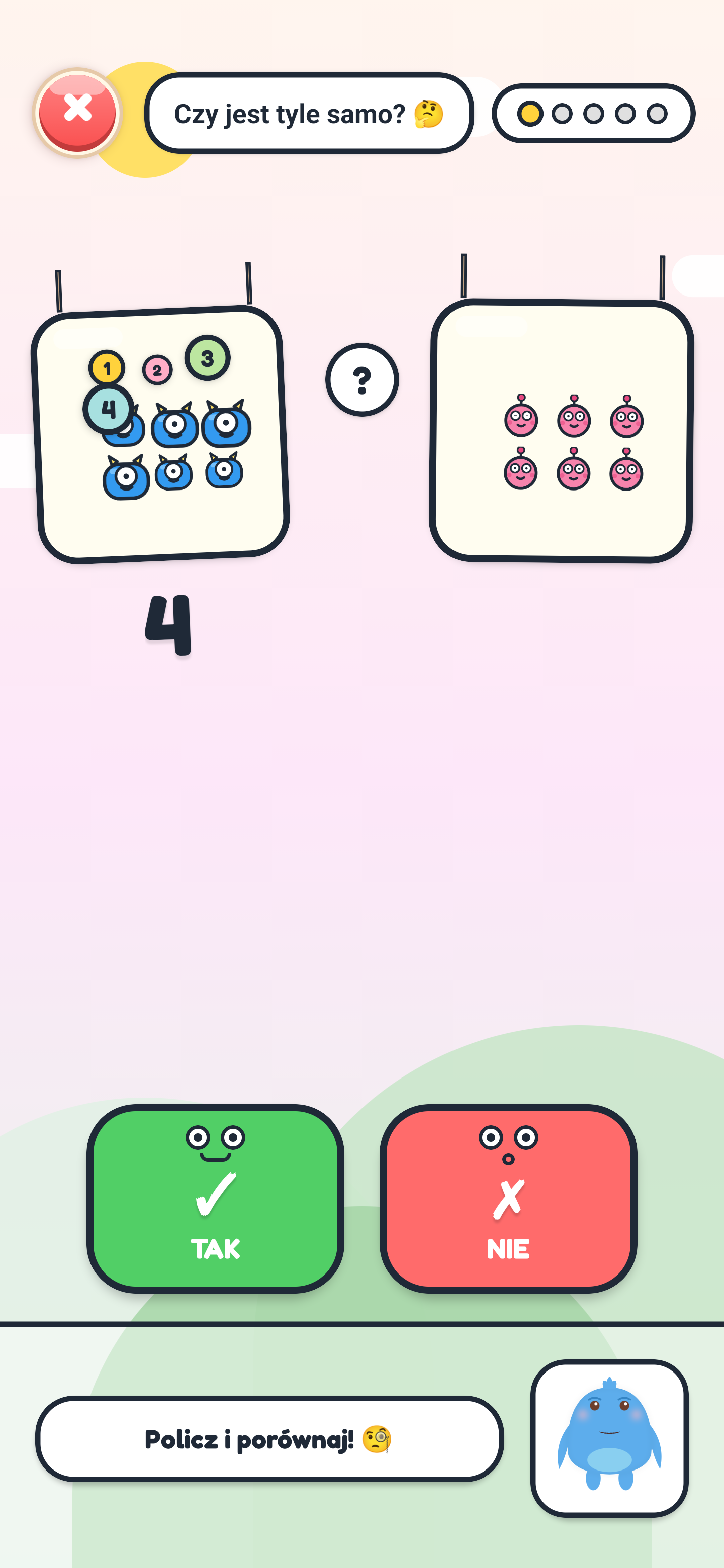
Children discover first numbers, learn to count objects up to 20, and take confident early steps in math. Activities include tracing numerals, comparing sets (more, less, equal), and understanding zero.

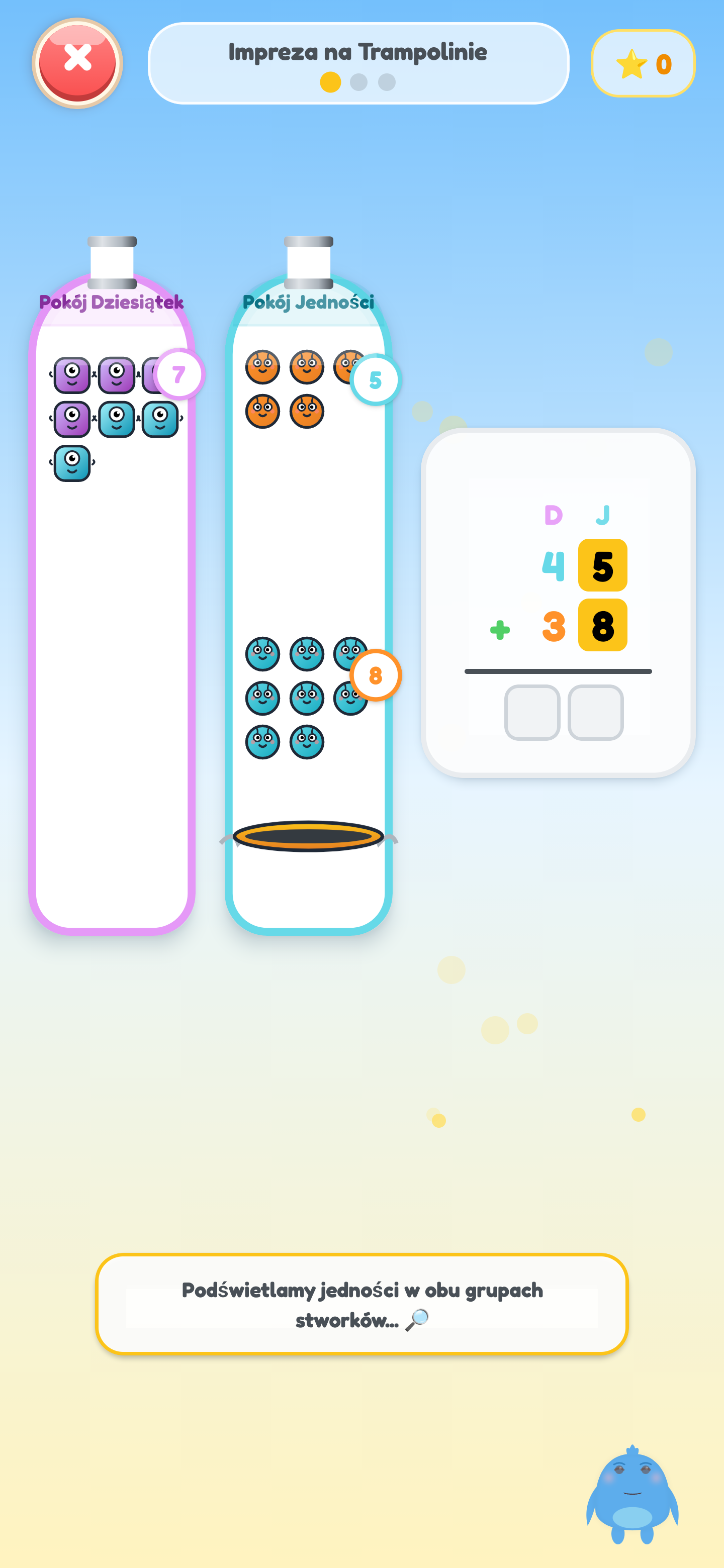
Children discover what addition really means and how to combine quantities. Exercises gently progress from physical objects and Ten Frames to mental math and column addition up to 100.

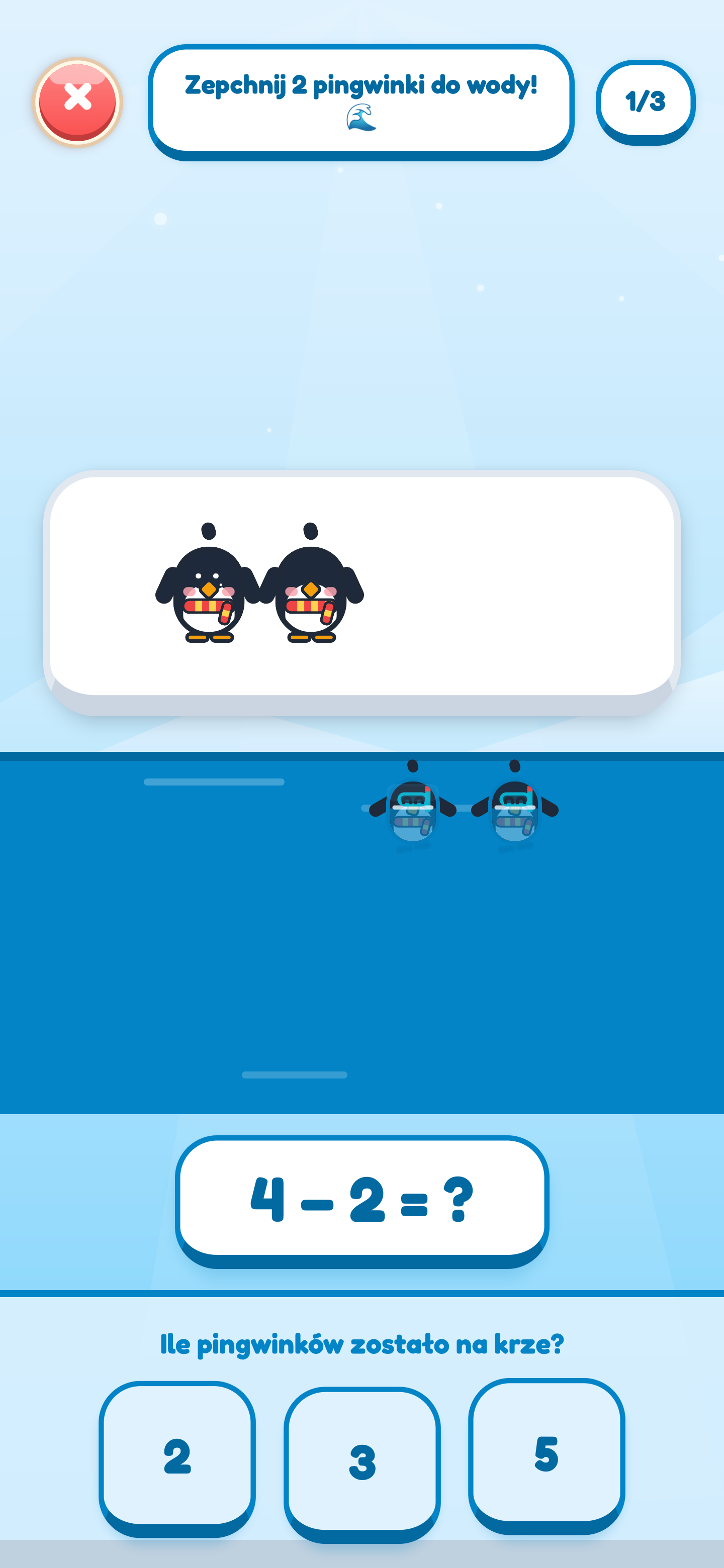
Children explore subtraction as taking away objects and the natural inverse of addition. Activities use hands-on removal, number lines, and a visual explanation of borrowing up to 100.
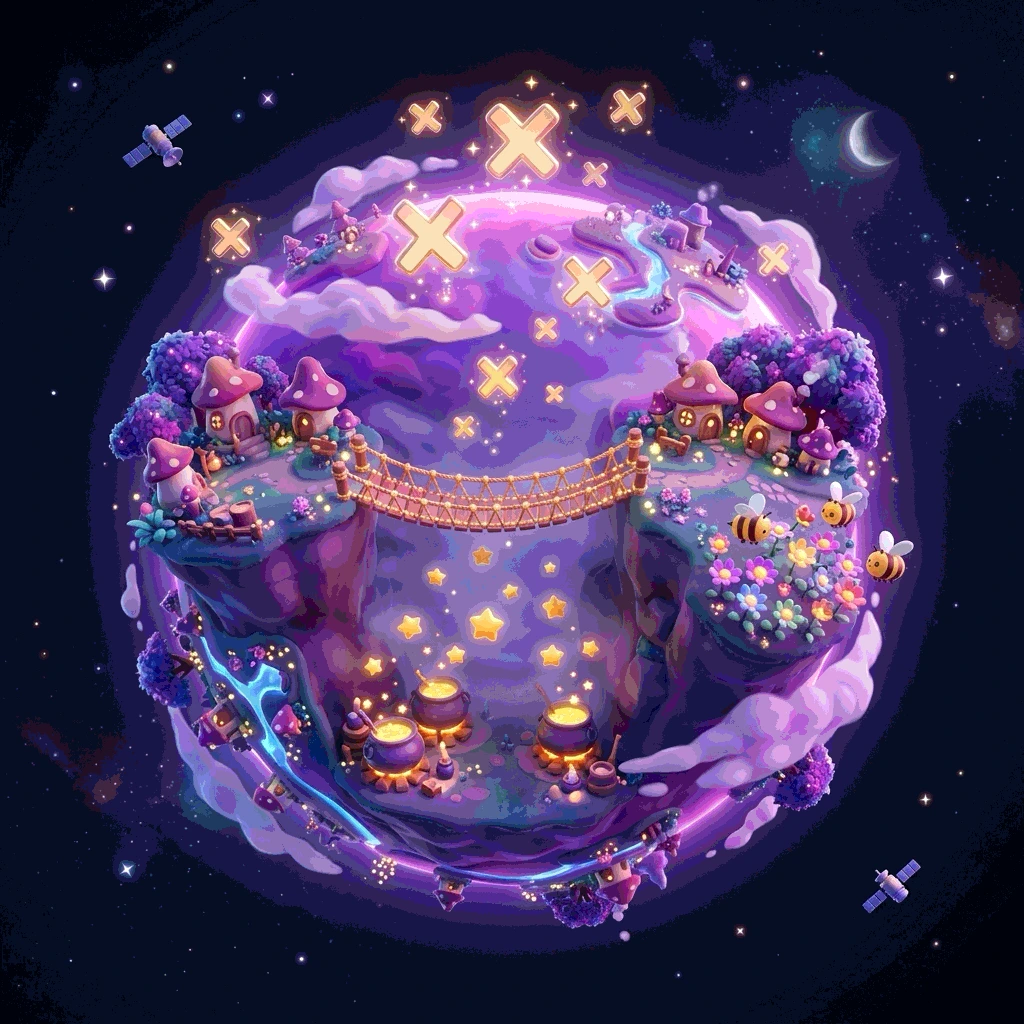
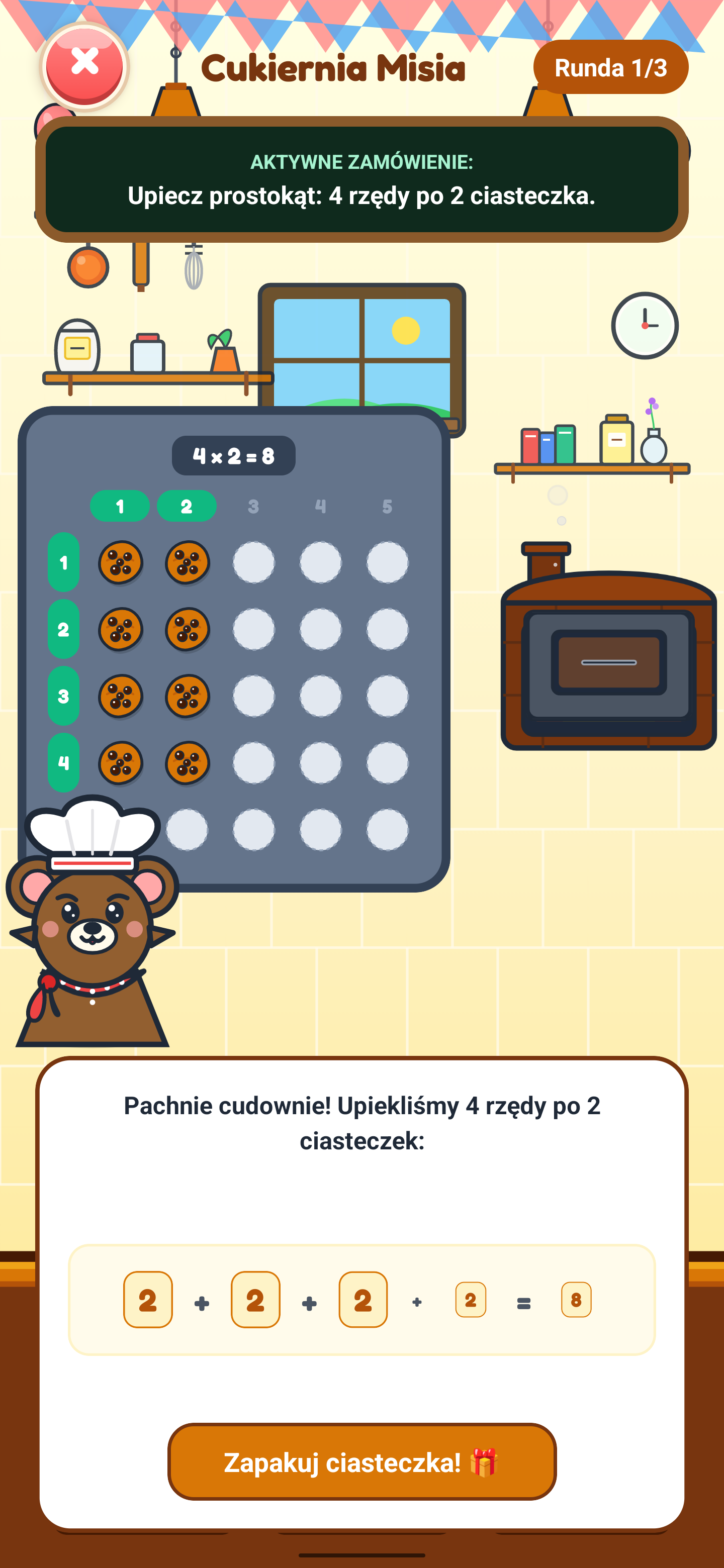
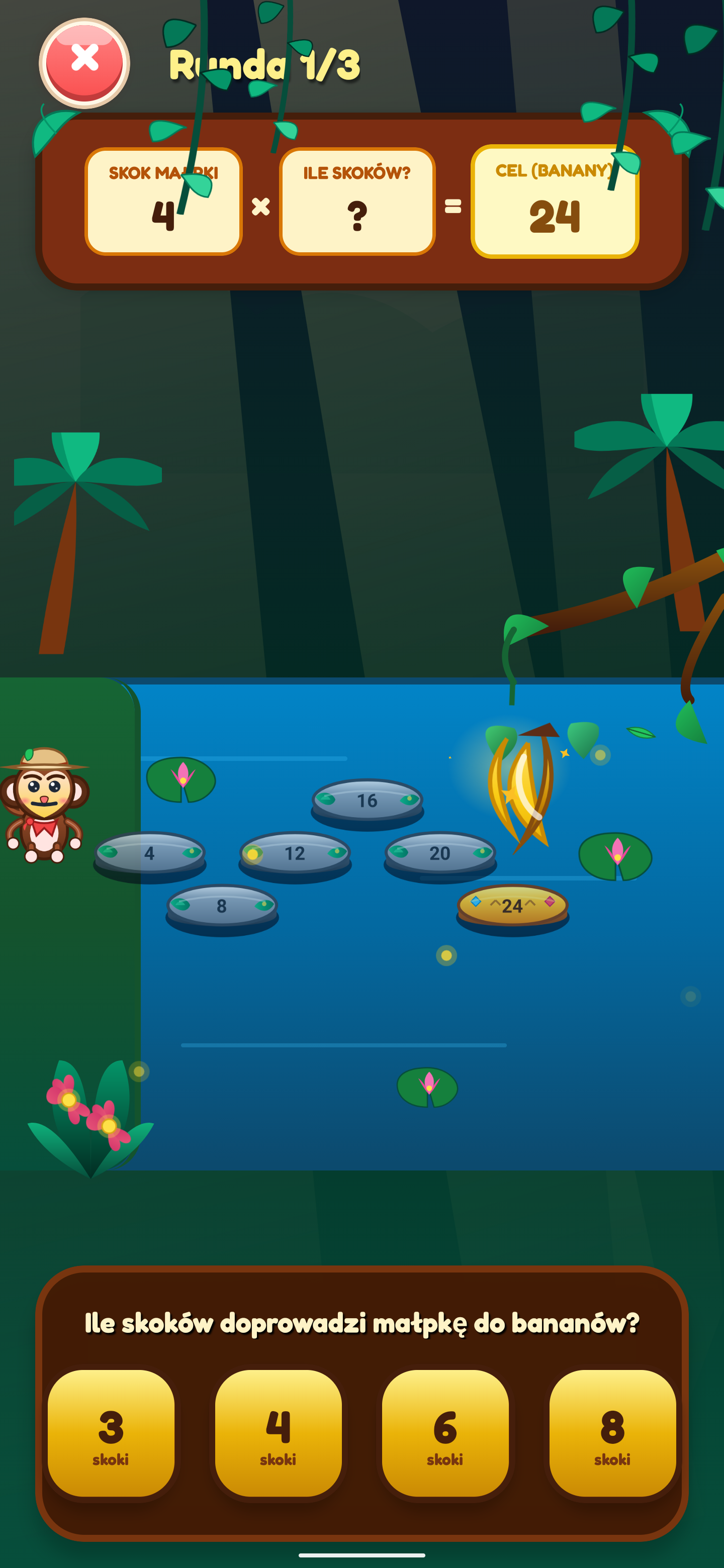
Children understand that multiplication is simply repeated addition of equal groups. Rhythmic skip-counting and visual row-column arrays (Grid Arrays) help master the times table without rote memorization.
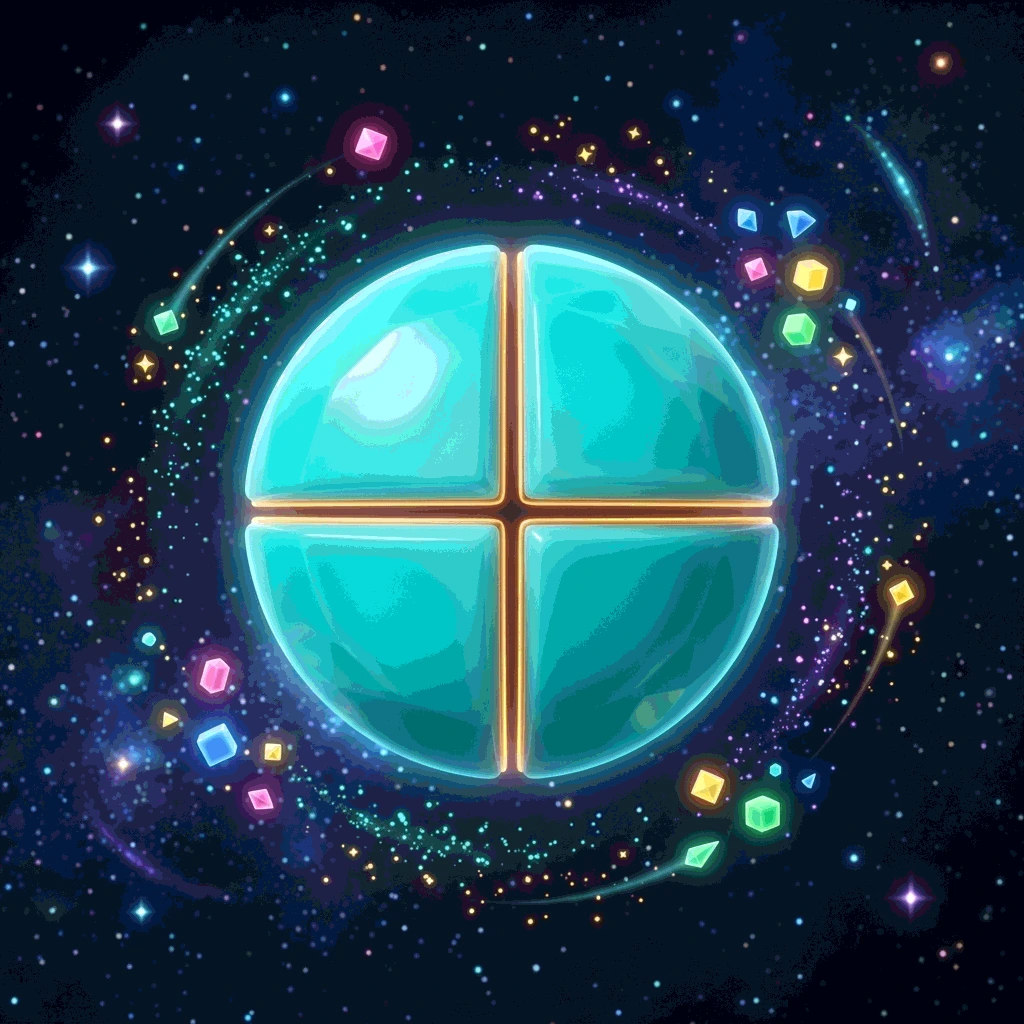
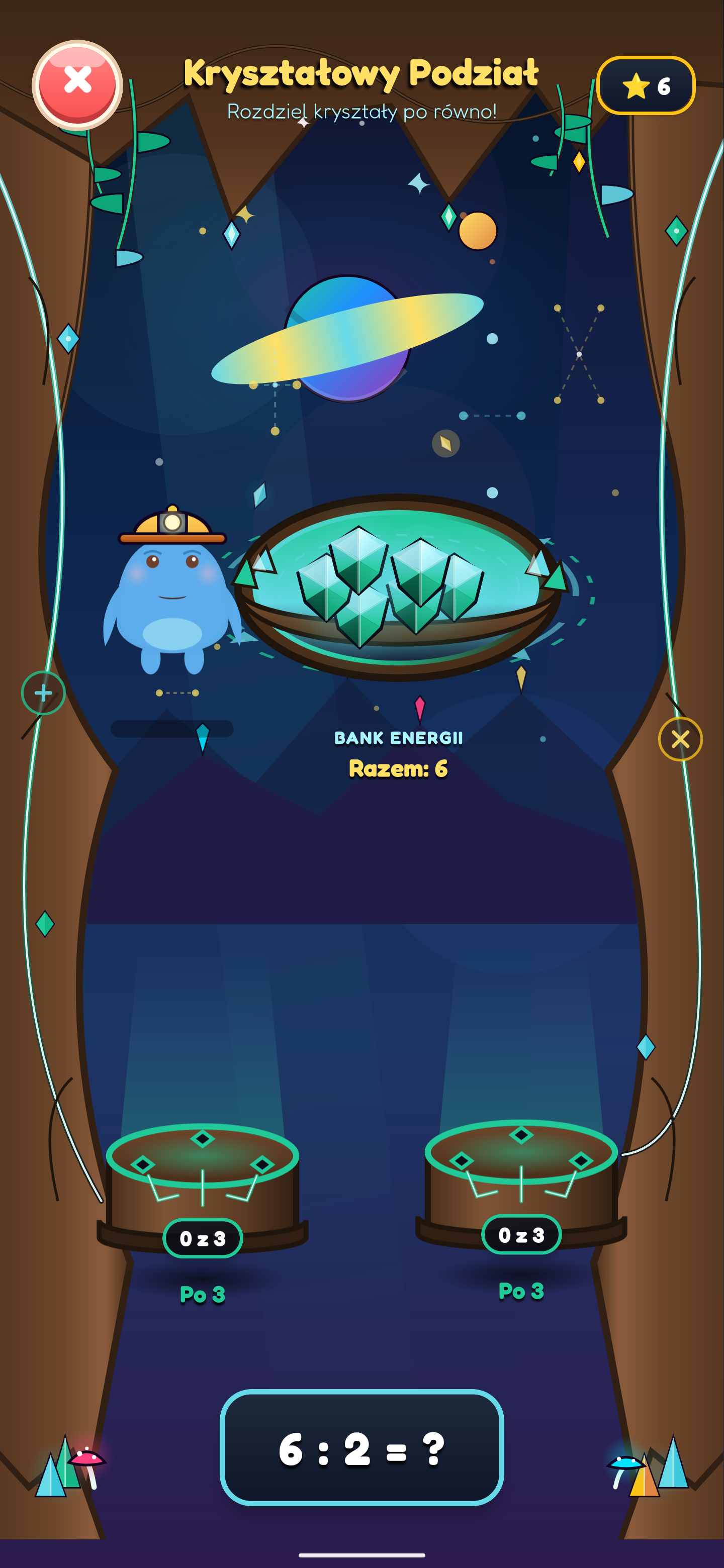
Children learn fair sharing into equal groups and discover division as the inverse of multiplication. Interactive object sharing, train wagons, and laser tools lead naturally to column division.
Every activity has a clear educational purpose and develops specific math skills through play. Tasks are arranged in a logical sequence at the child's own pace.
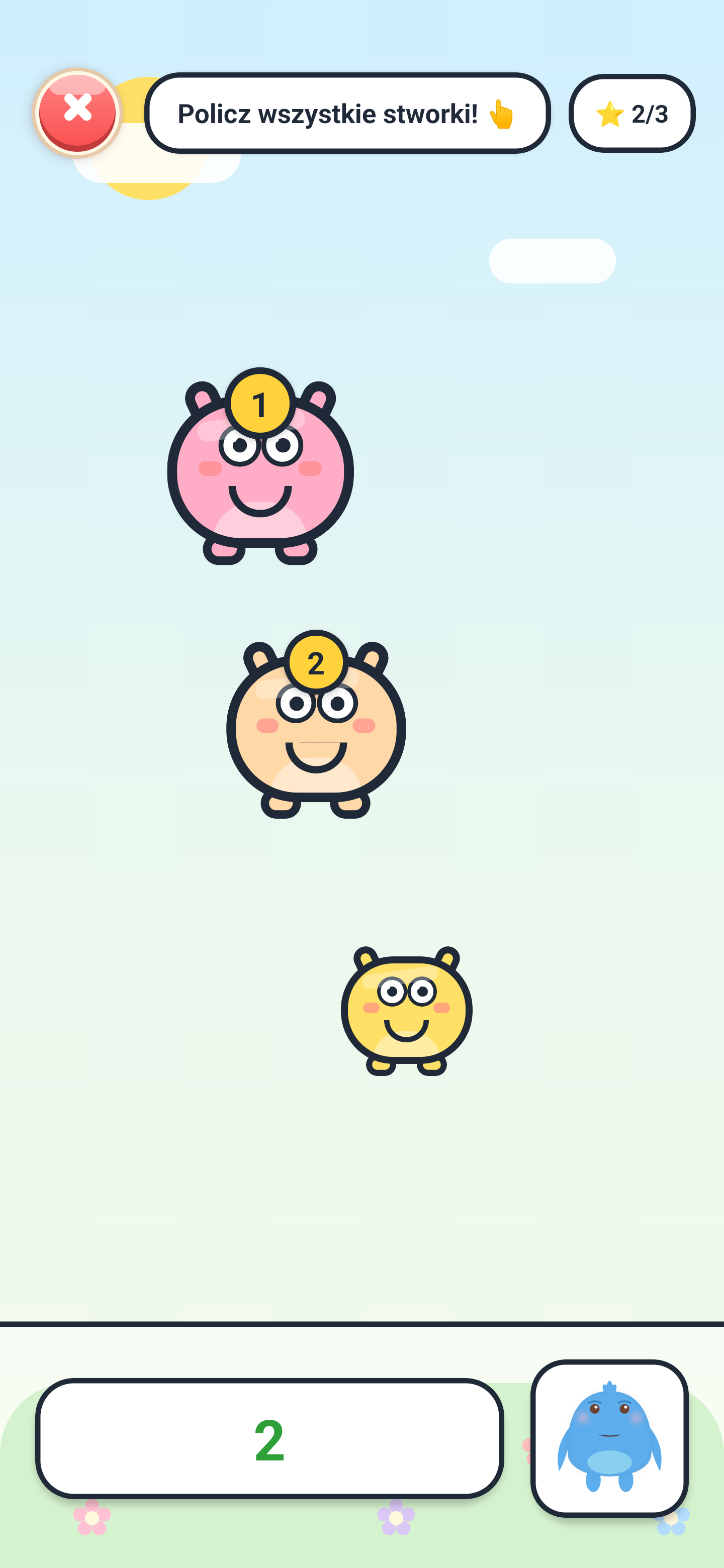
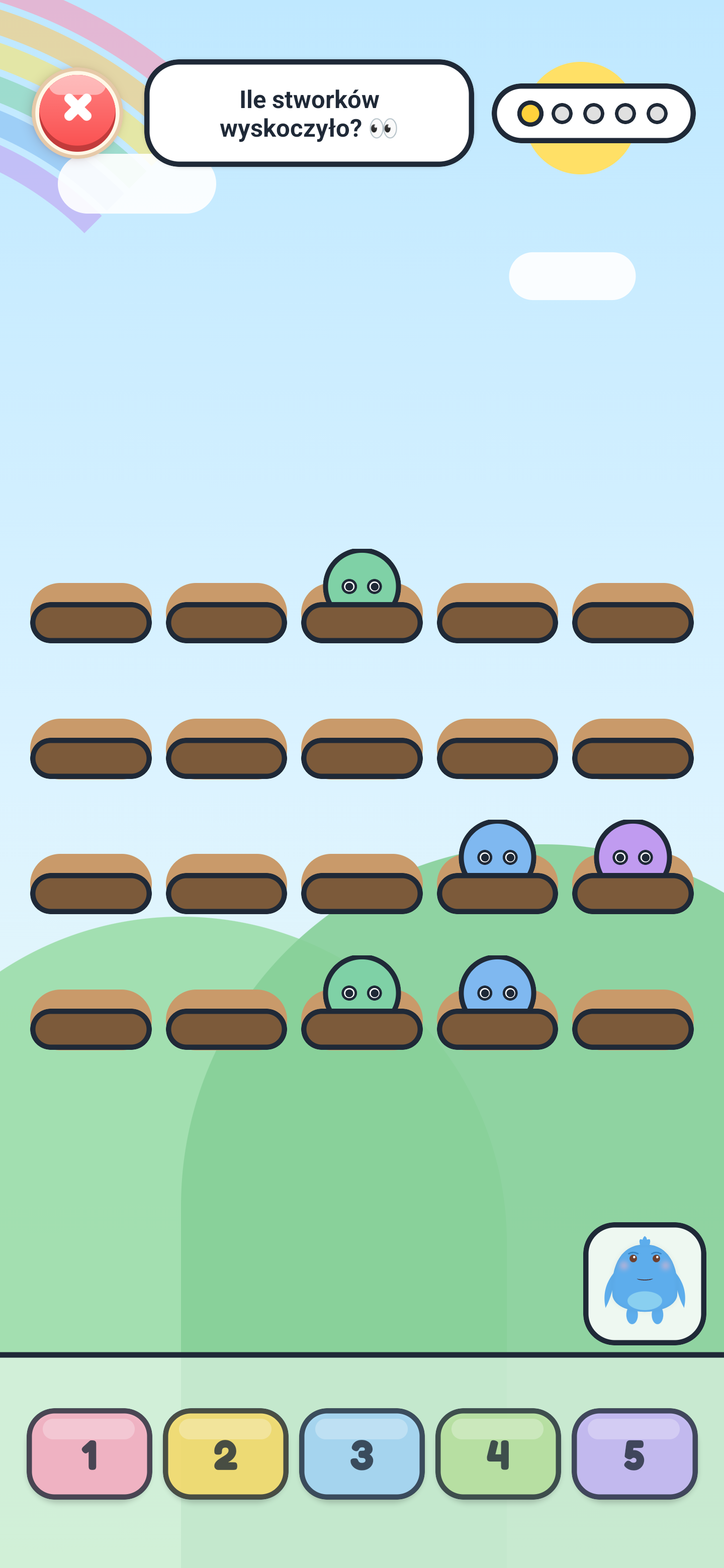
Develops the skill of stable object counting with one-to-one correspondence. Counting aloud with animated monsters builds early numeracy skills.
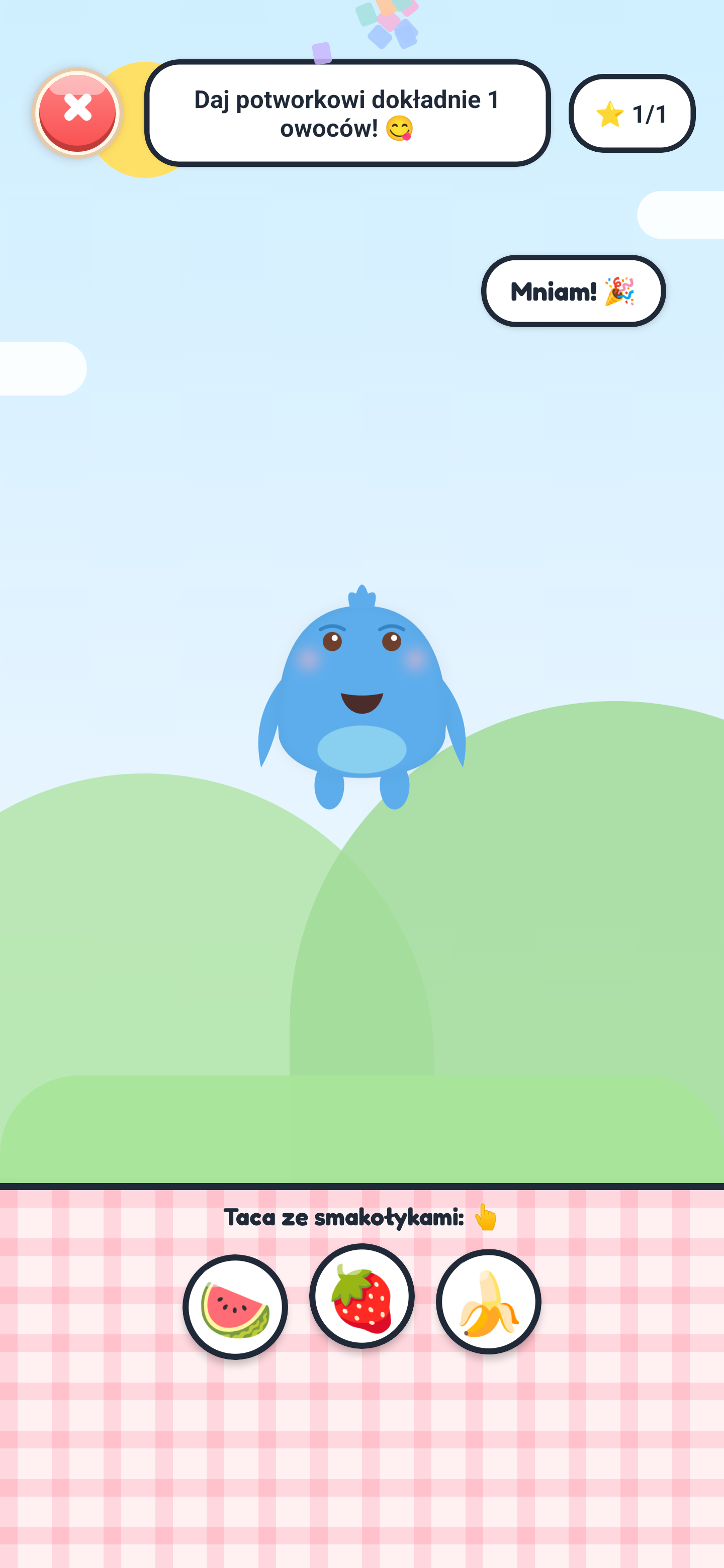
Develops subset extraction skills. The child learns to translate the concept of a number into a physical quantity of objects (treats).
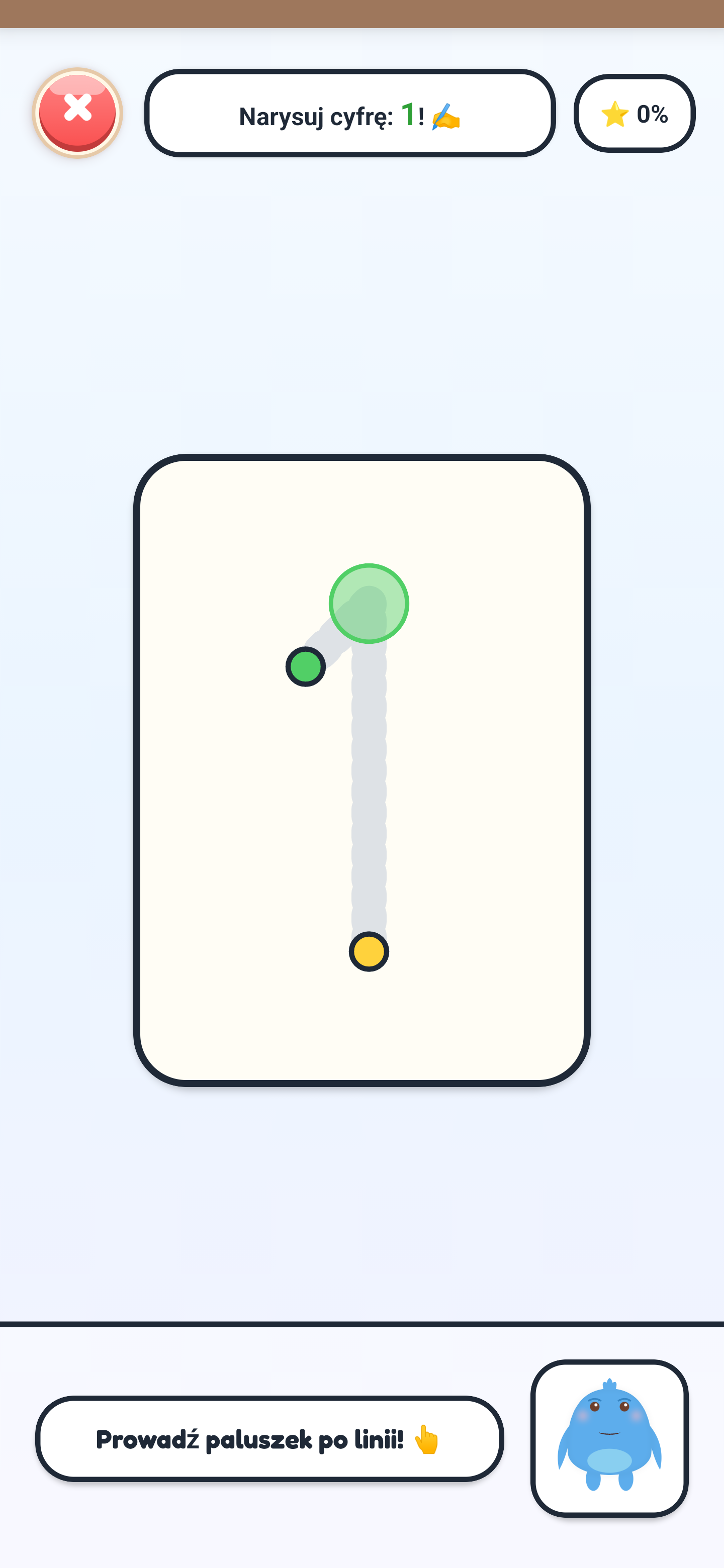
Multisensory graphomotor and muscle memory training. The child traces neon lines to learn the correct stroke directions for writing numbers.
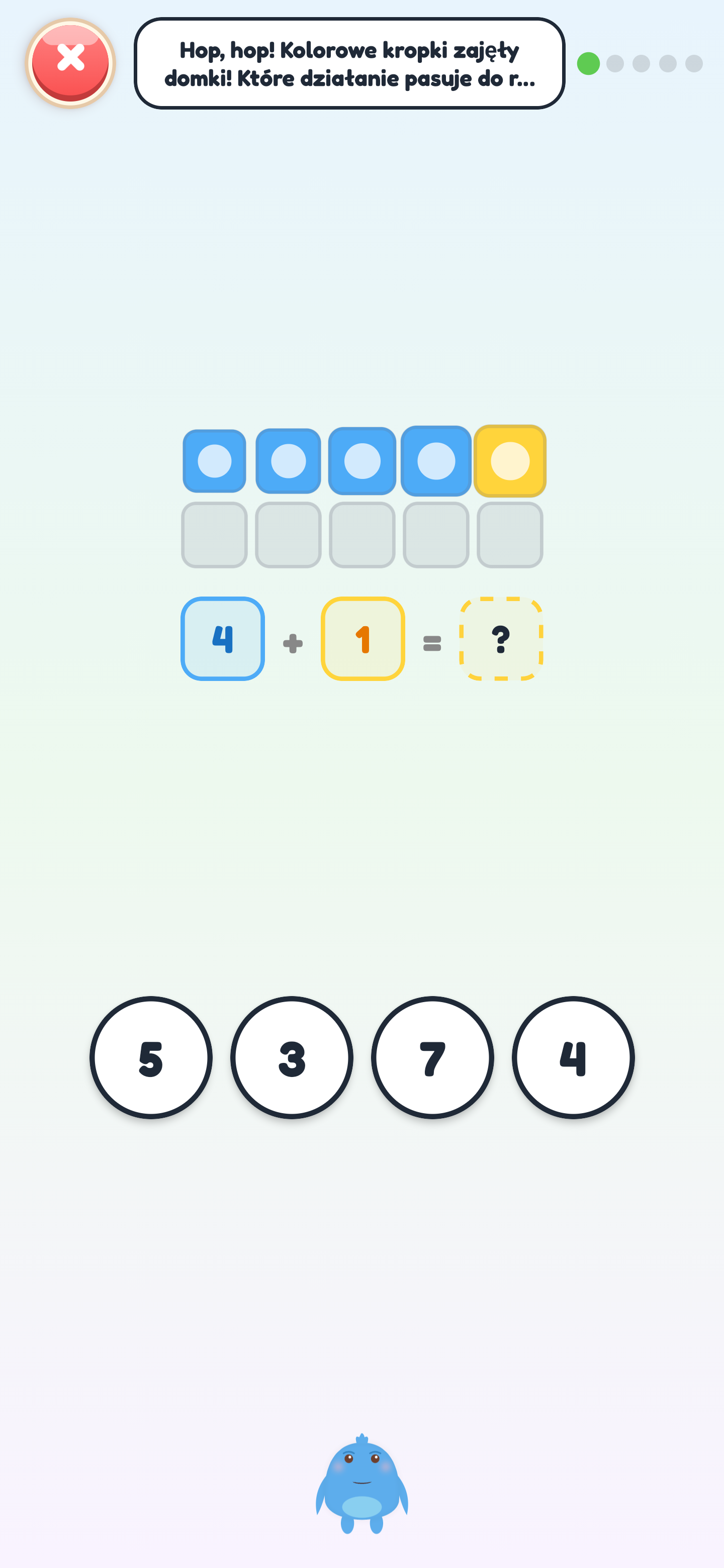
Conceptualizes addition as physically combining two groups of items. The child feeds the monster fruits and sees it translate to a math equation.
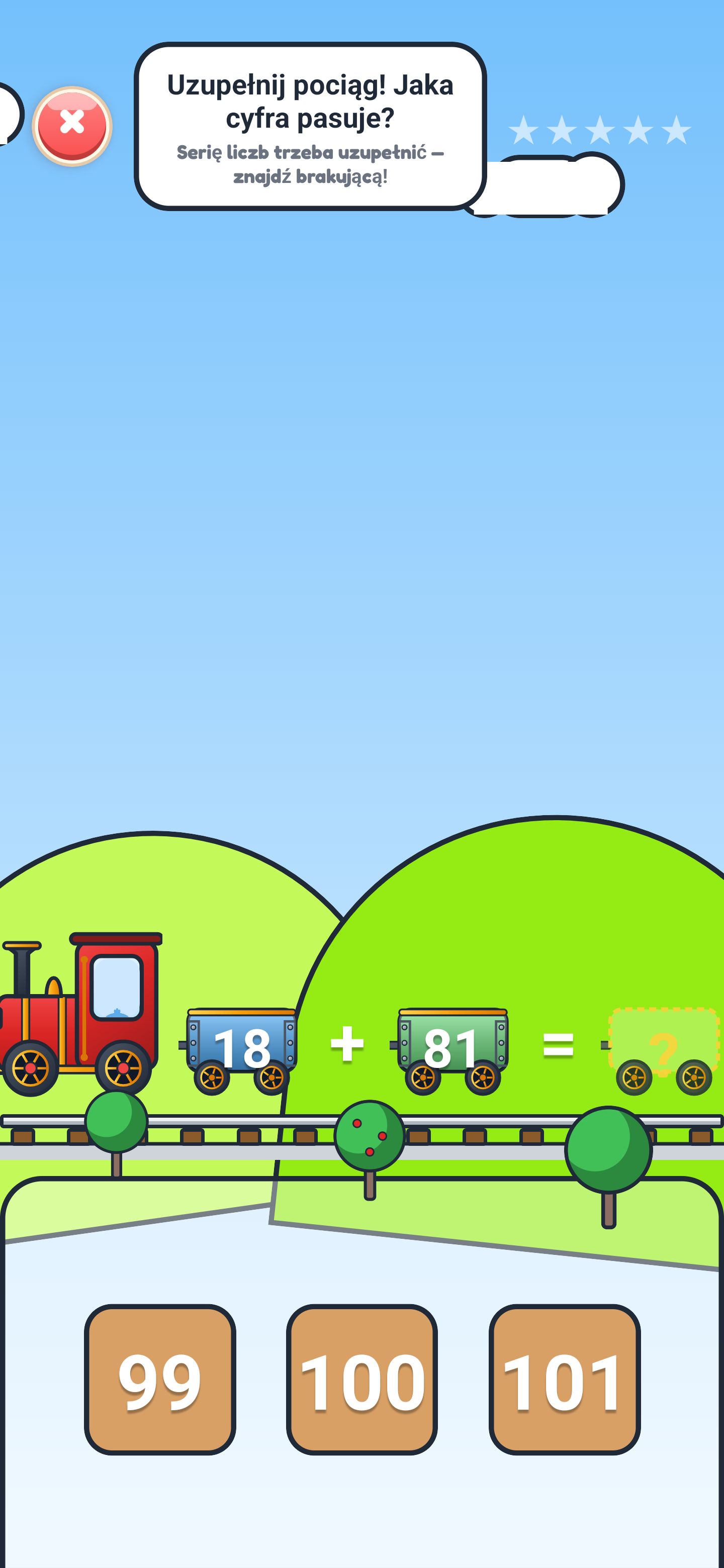
A gentle introduction to algebra and algorithmic thinking. Solving simple equations with an unknown (missing addend) through a playful train game.
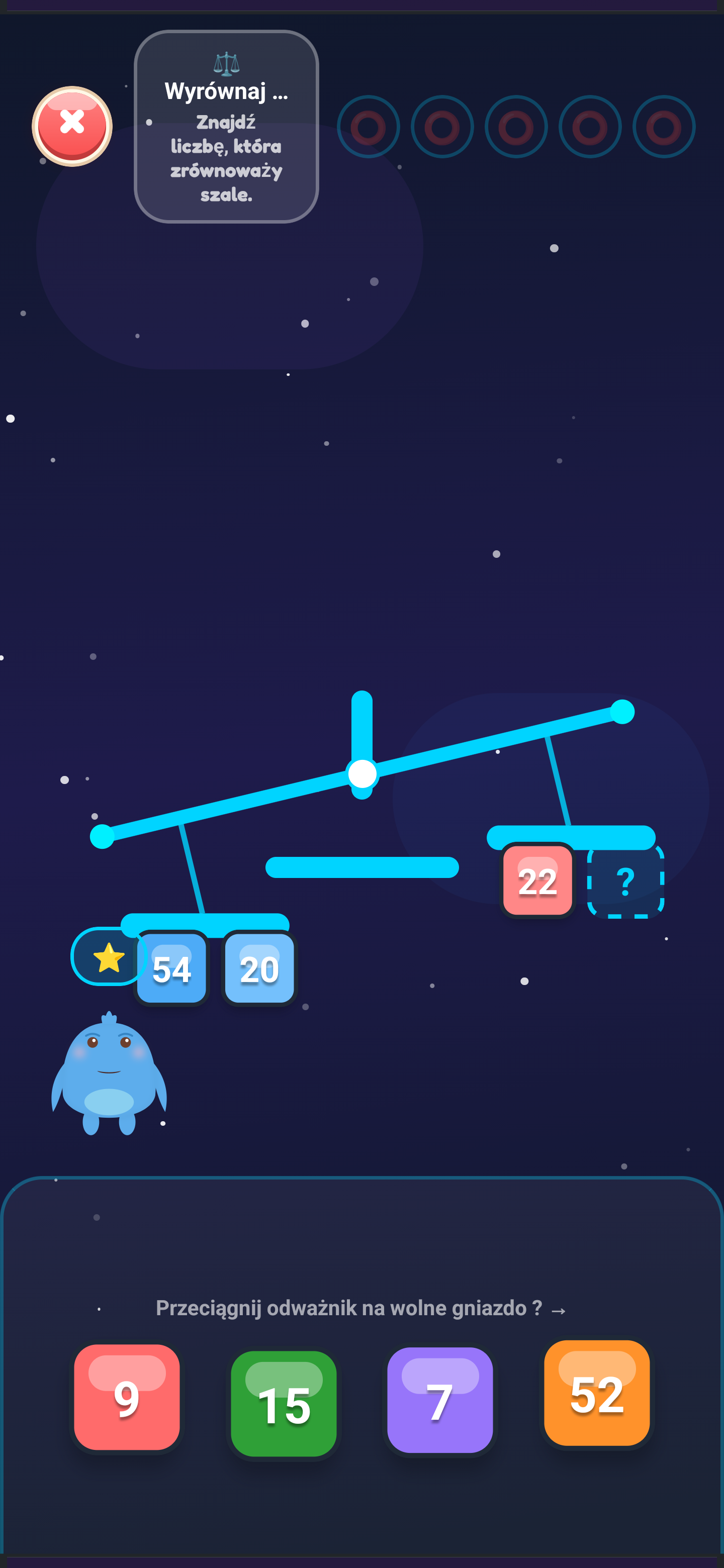
Introduces the concept of equation balance and number decomposition. The child balances a scale on a space ship, testing crystal sums.
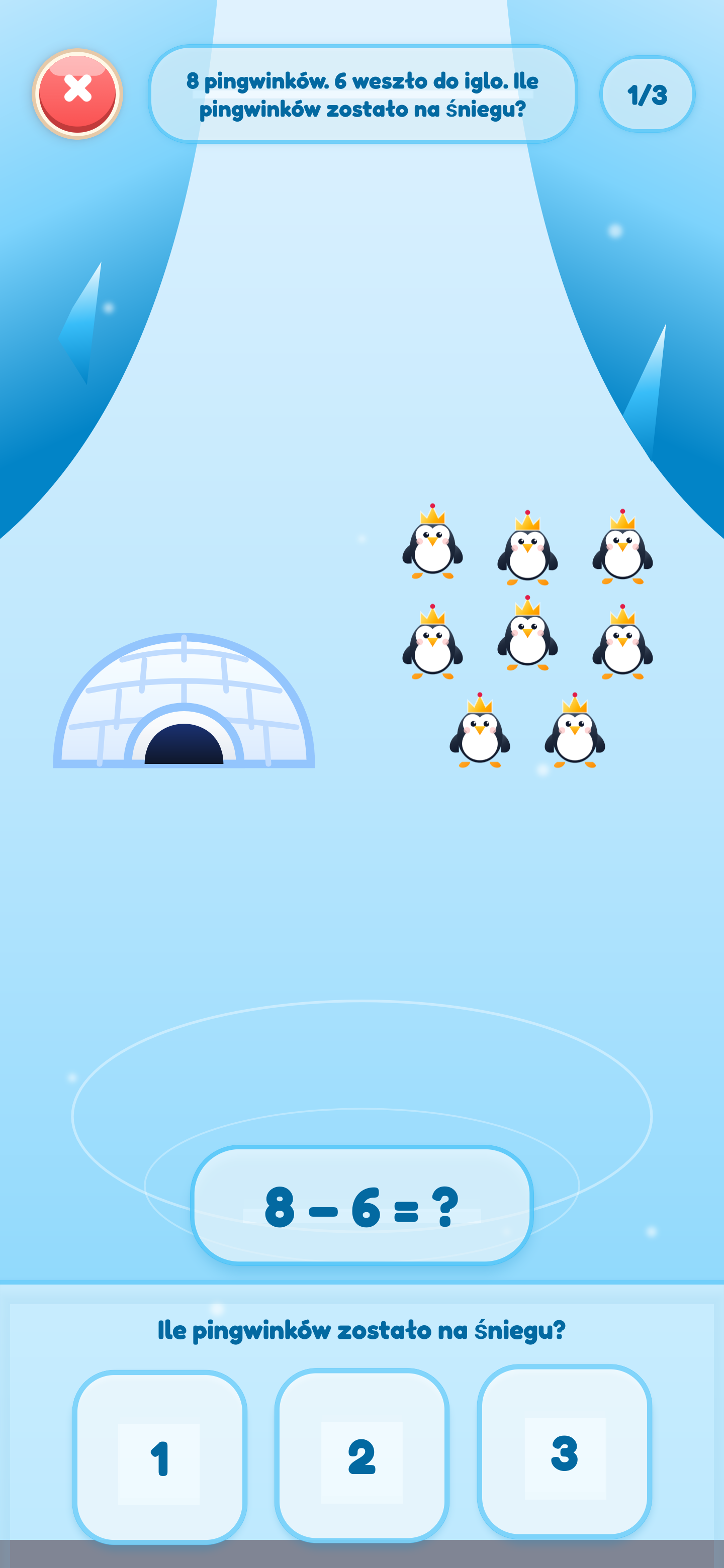
Visualizes subtraction as the reduction of a set (taking away model). The child helps penguins slide into the water, observing the shrinking group.
Teaches number decomposition through active touch. The child smashes (removes) snowballs from the screen, seeing the direct impact on the result.
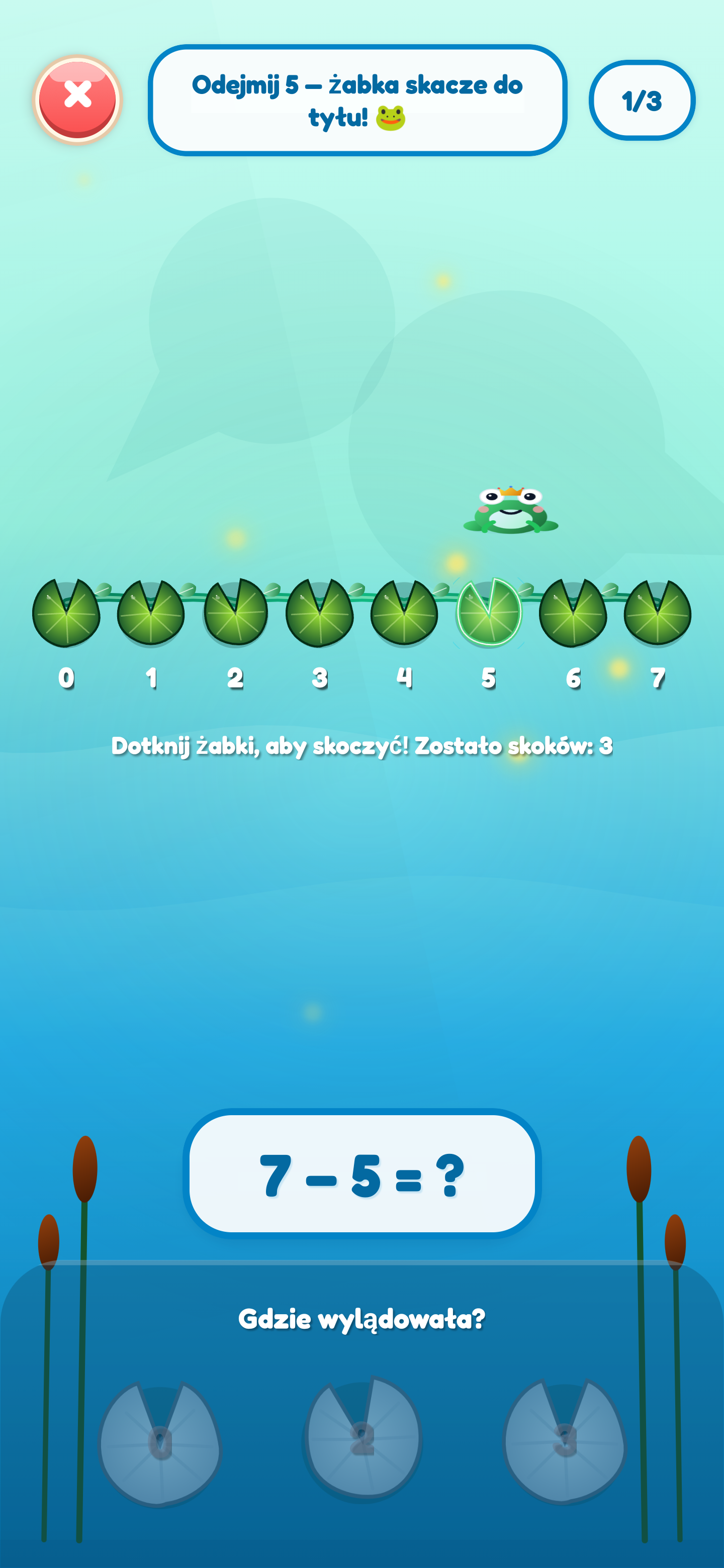
Utilizes an interactive number line in reverse motion. The child directs jumps to the left, building spatial orientation and computational agility.
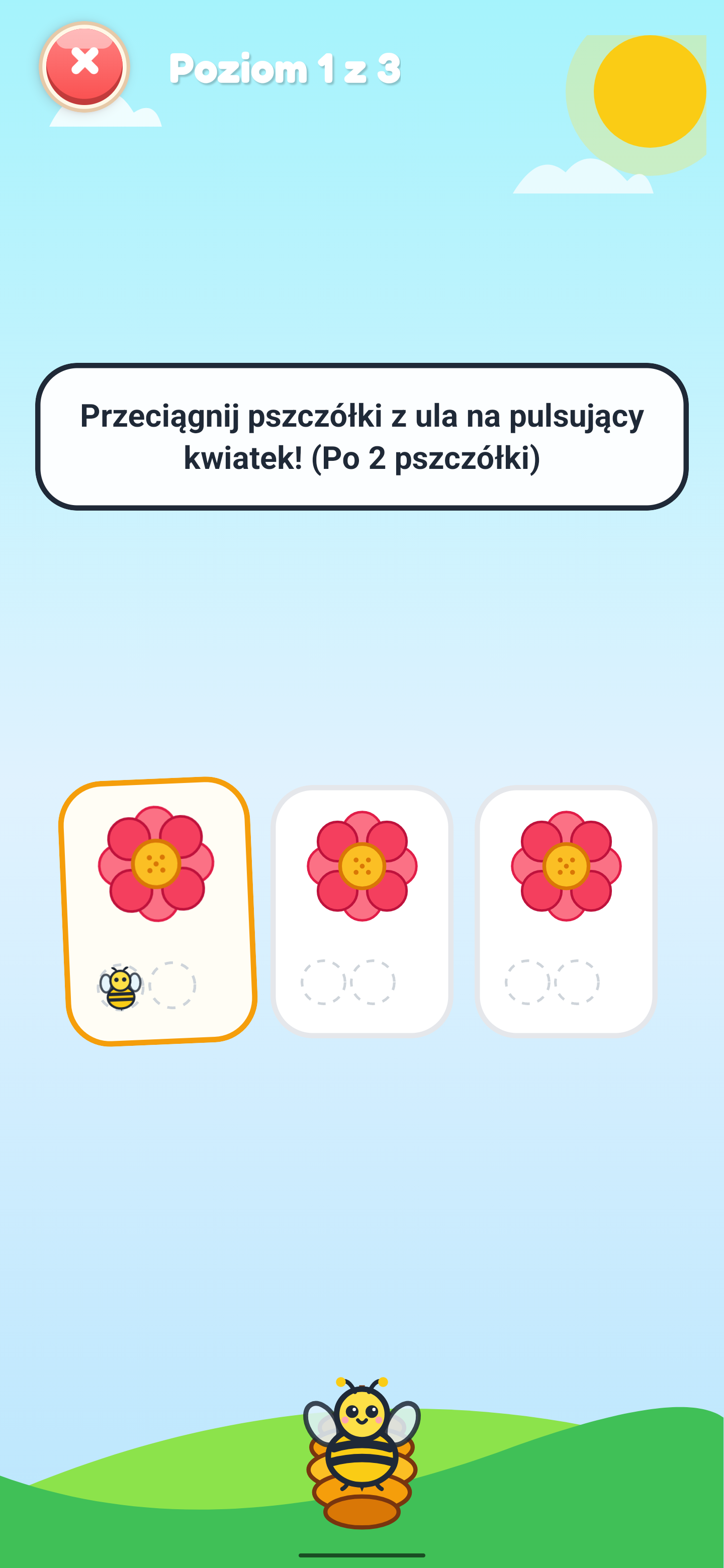
An intuitive introduction to multiplication. Grouping bees around flowers builds a deep understanding that multiplication is repeated addition of equal groups.
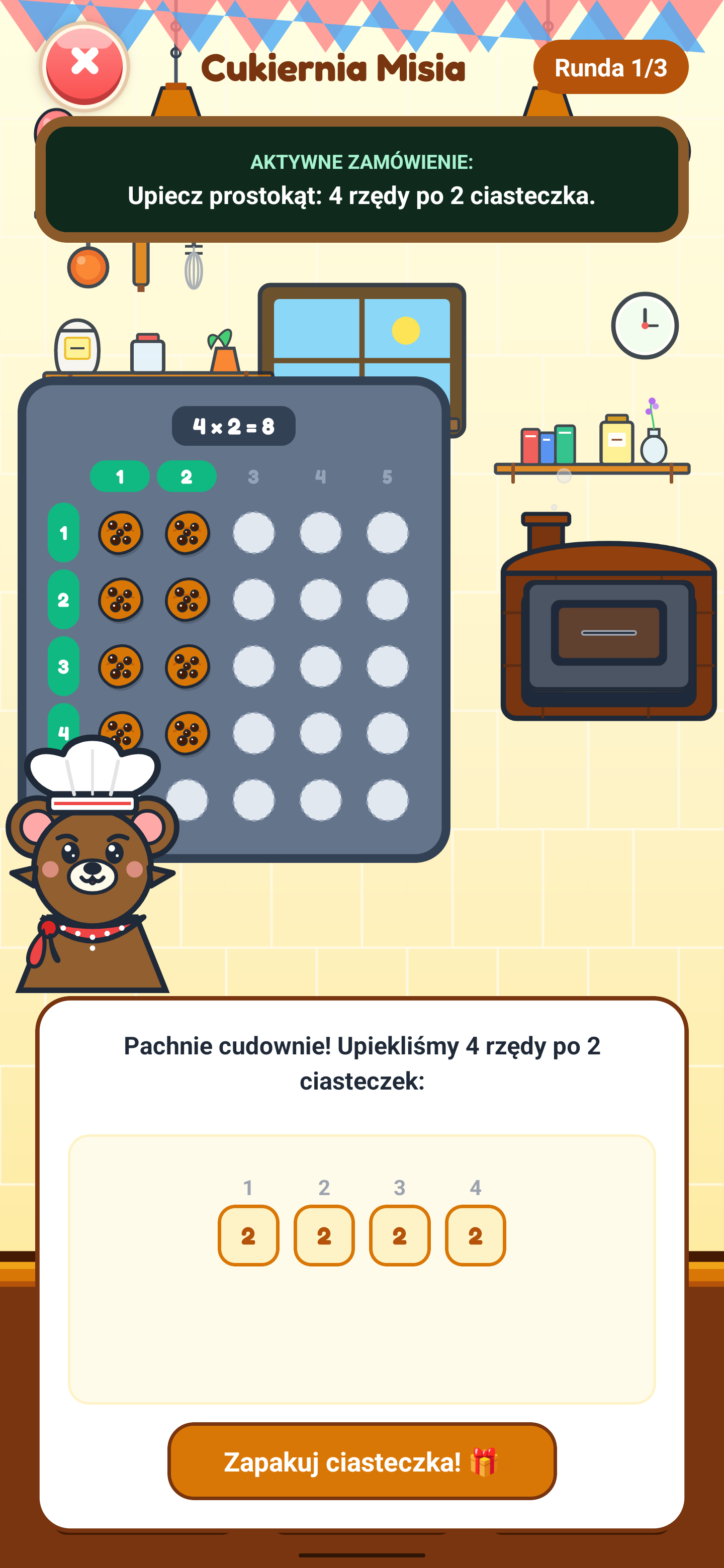
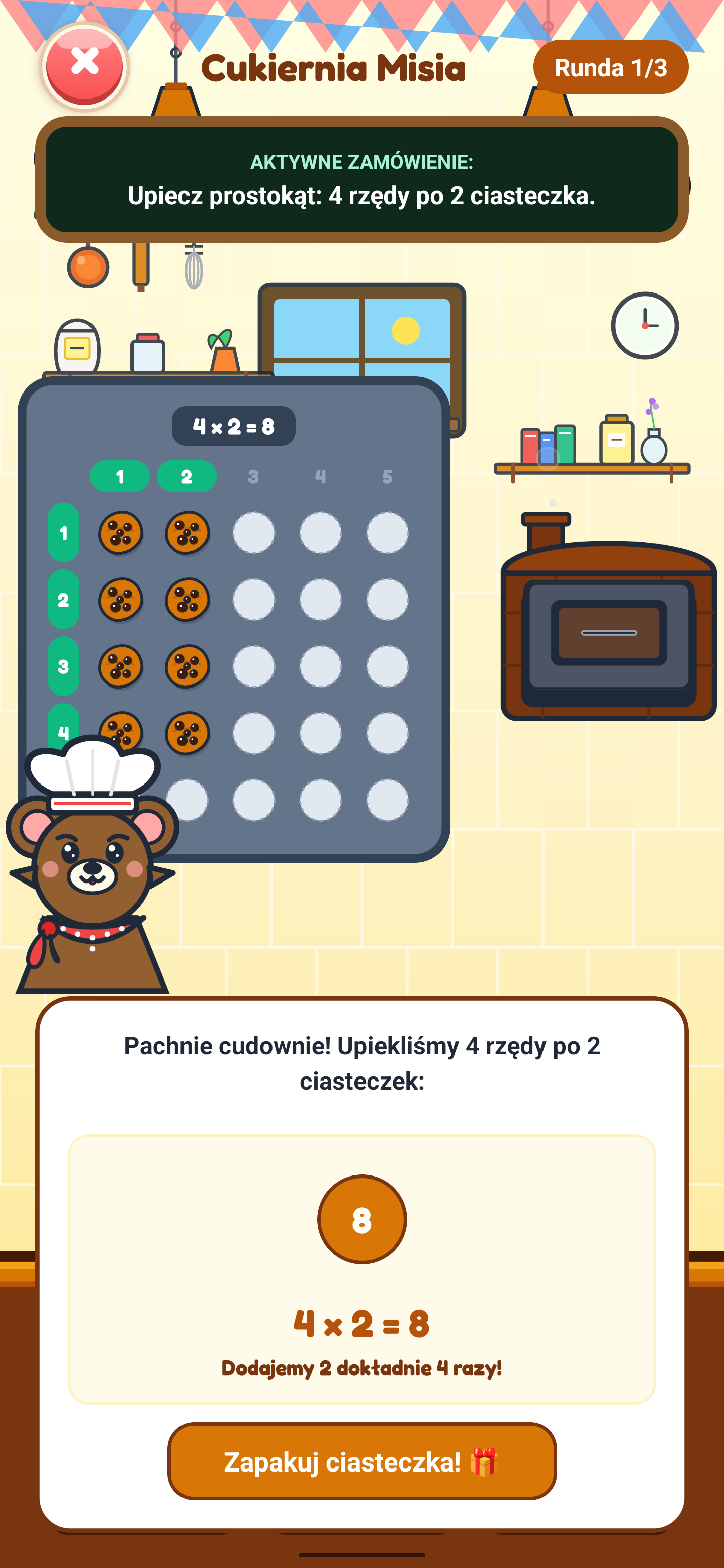
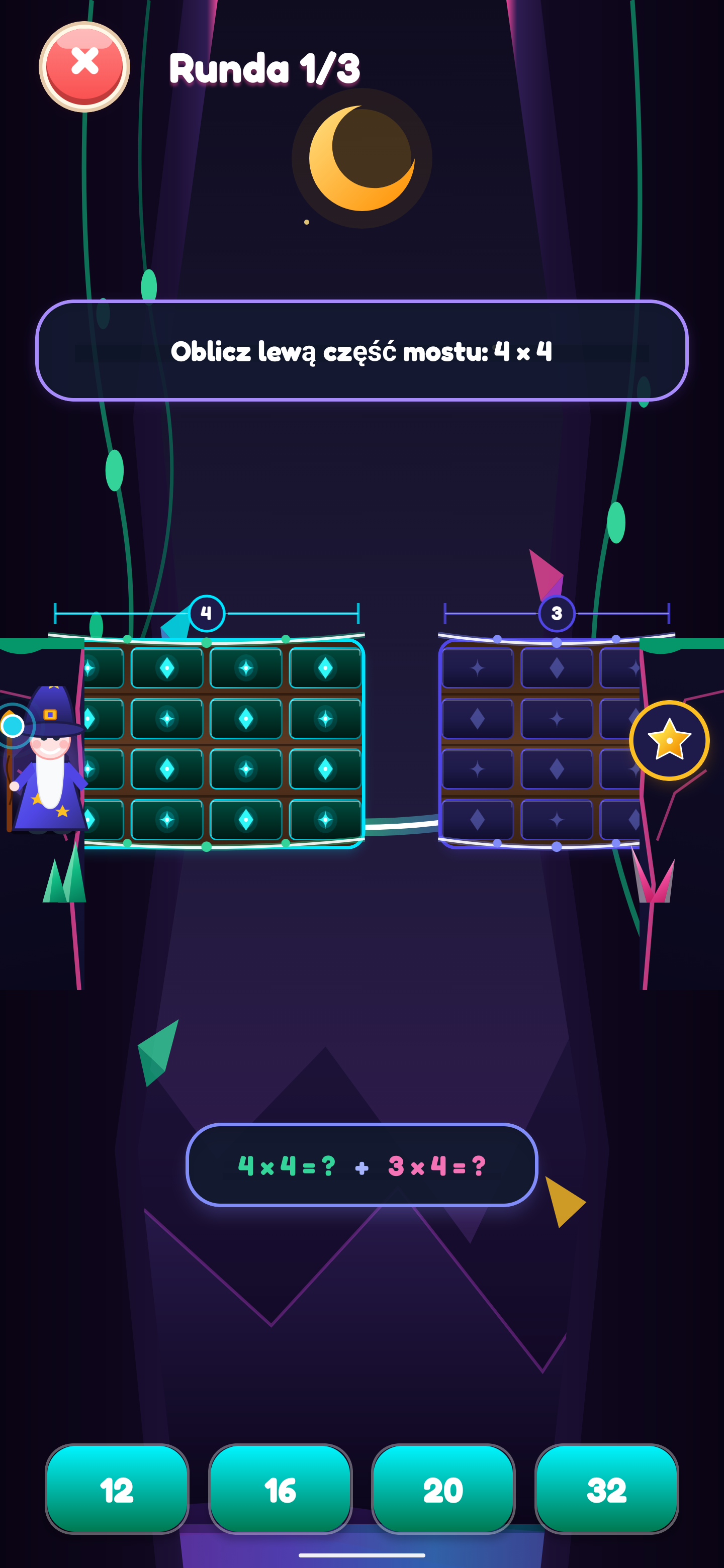
Represents multiplication on a grid (rows and columns - Grid Array). Helping the bear arrange cupcakes on baking sheets teaches commutative multiplication.
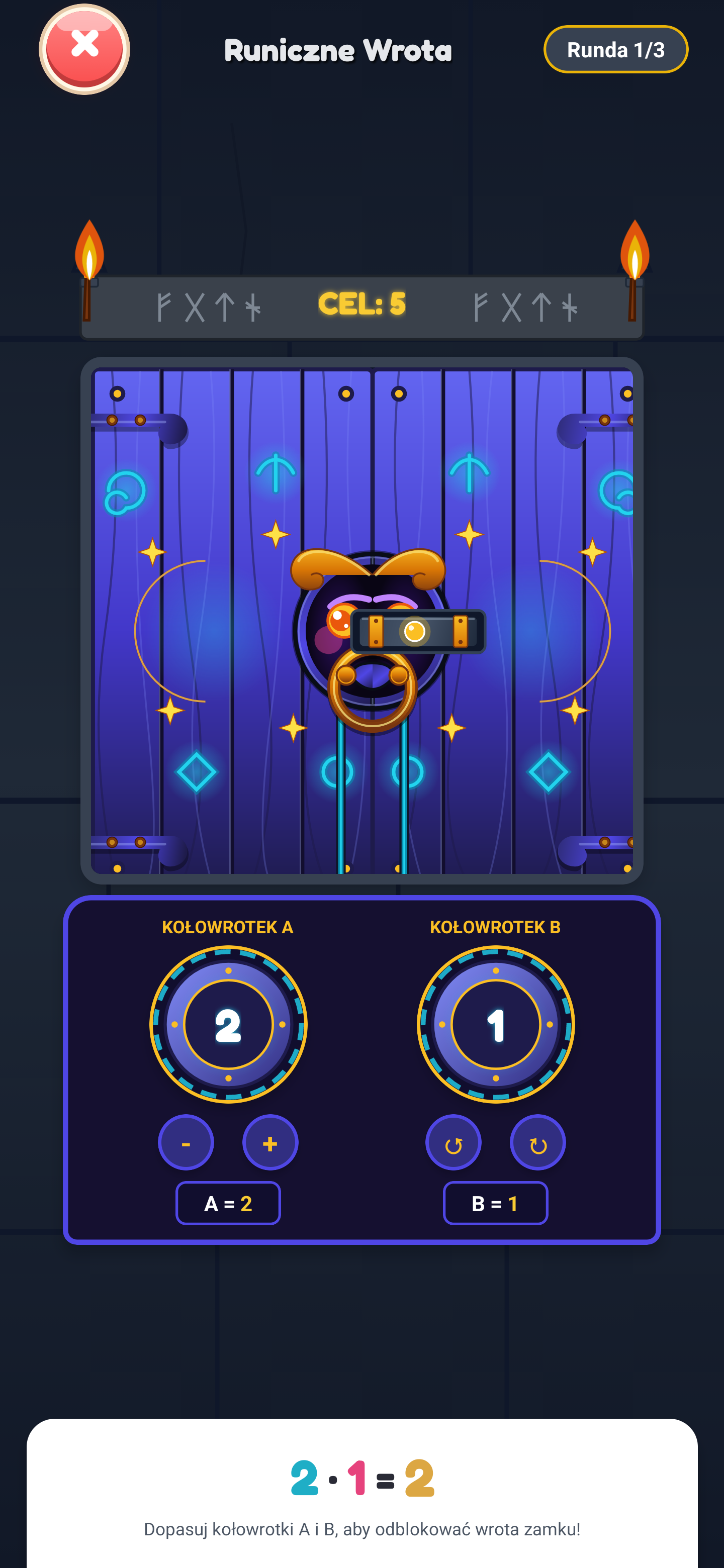
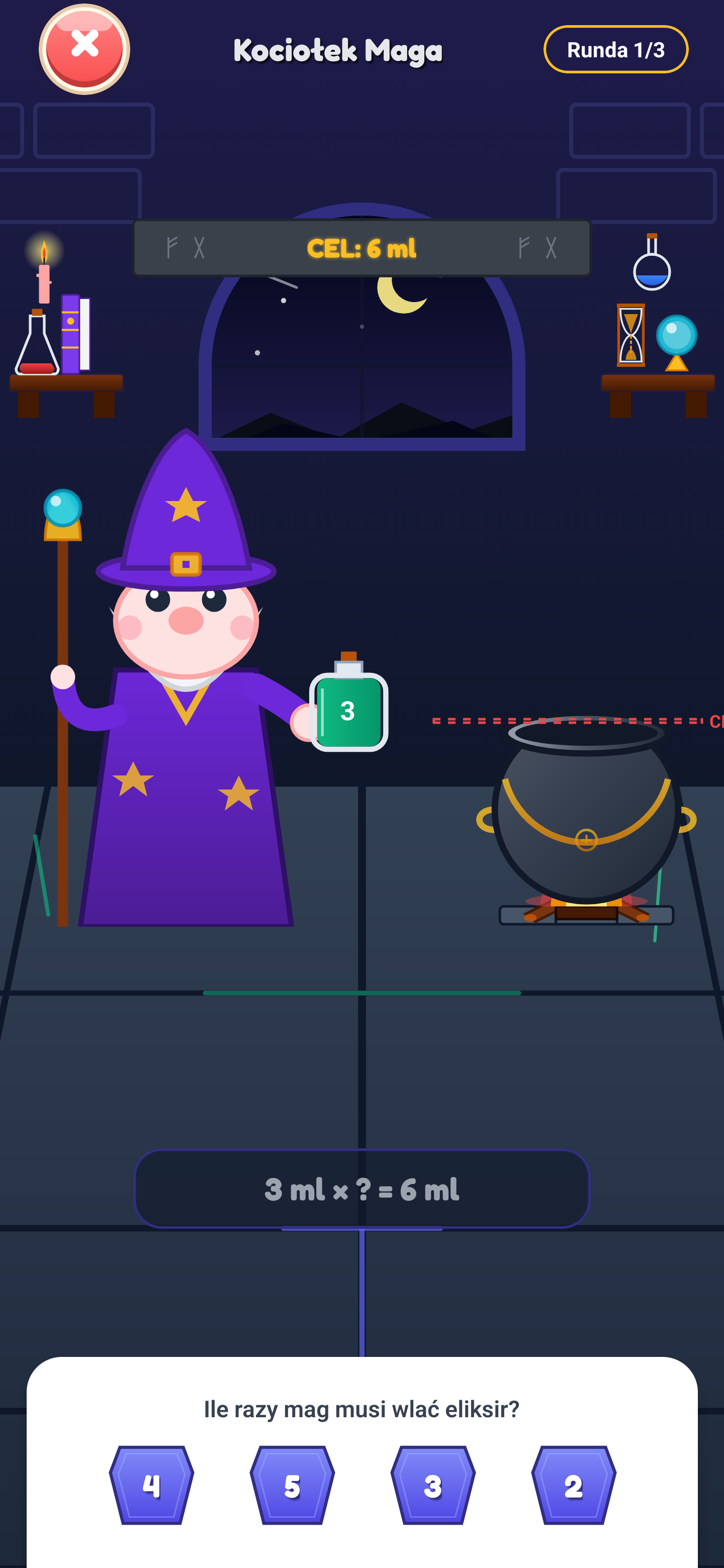
Multiplication represented as pouring repeated doses of potion. The magic animation builds the math equation live, merging action with symbols.
Physical distribution of crystals on stone pedestals (sharing model). Children learn to split sets equally, developing equal sharing intuition.
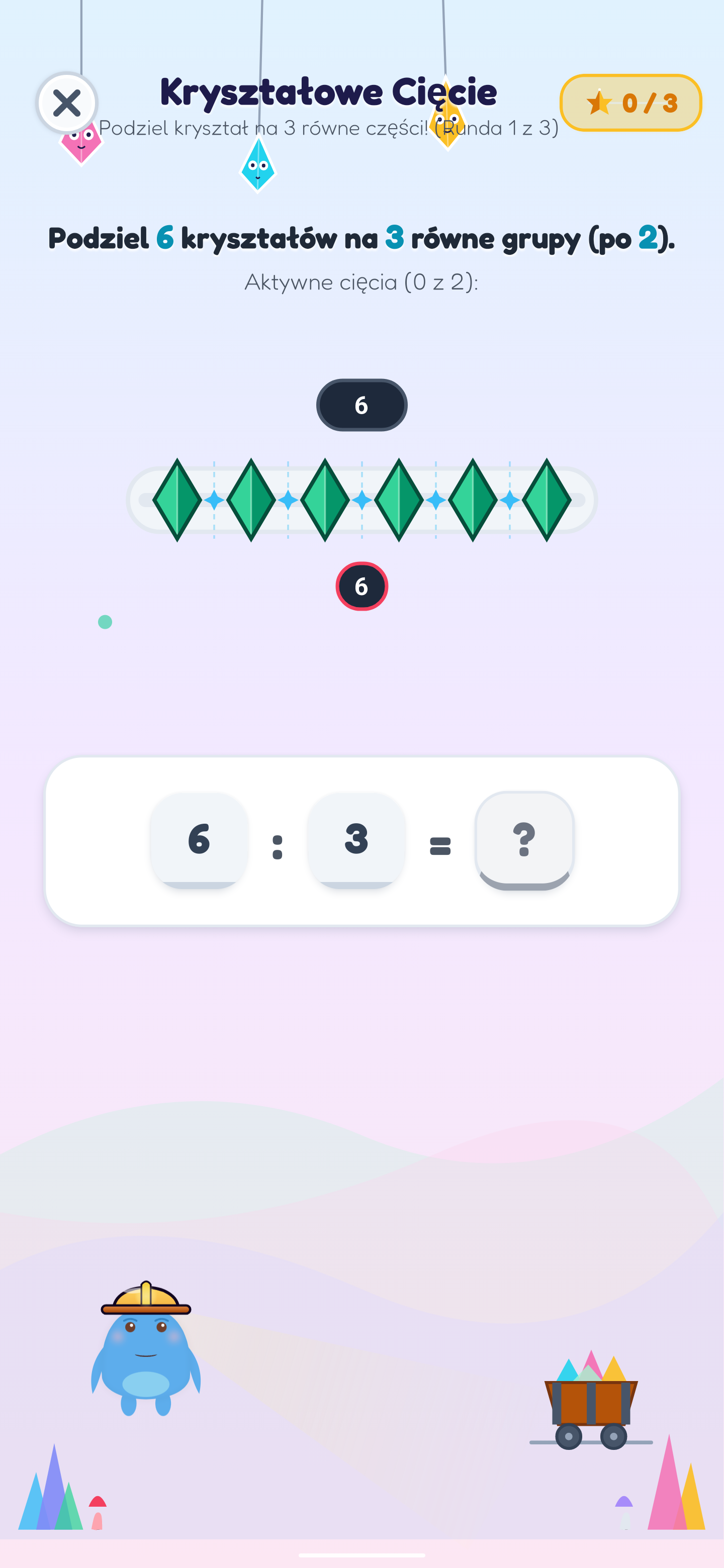
Division as laser-cutting a segment bar of crystals into equal portions. A graphical introduction to fractions and units.
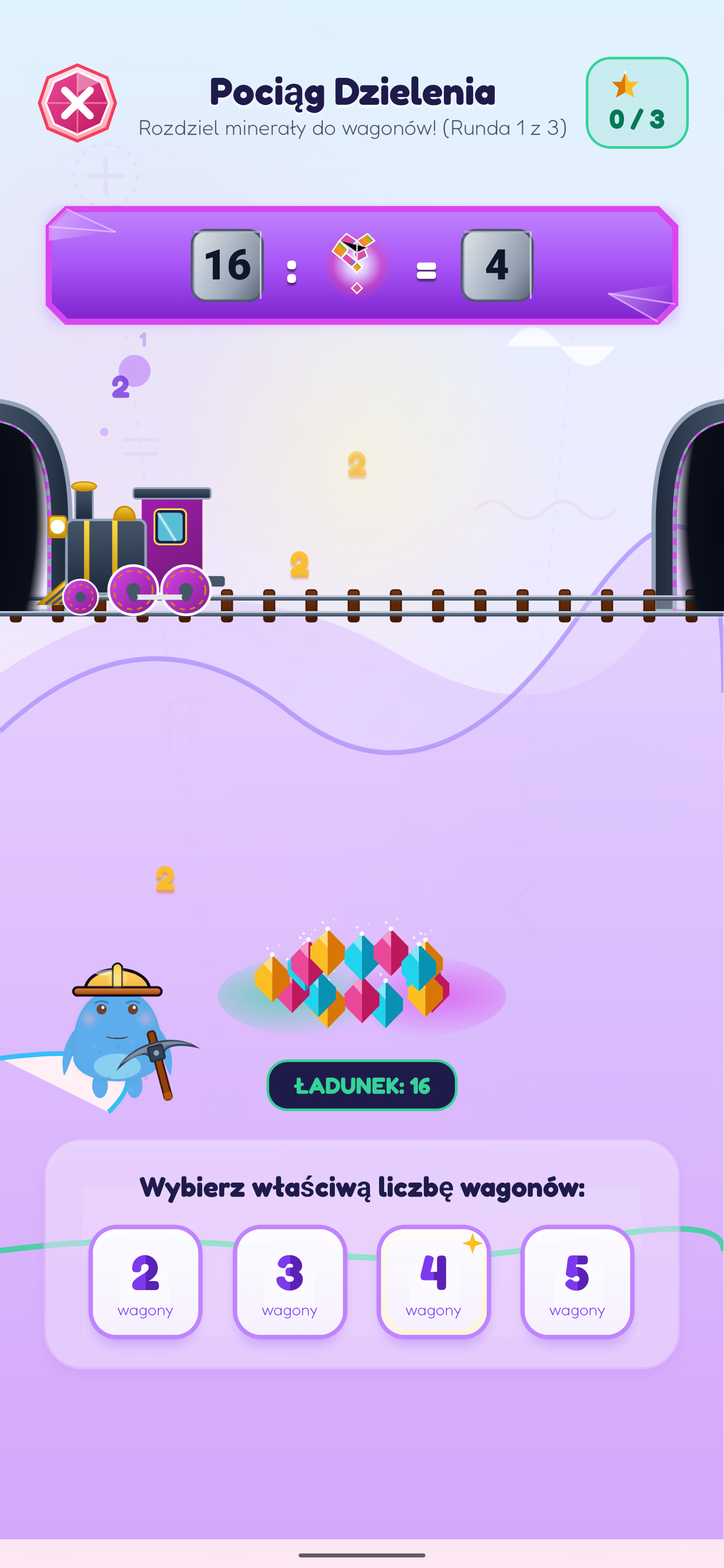
Automated group count selection and laser cargo loading. Demonstrates the relation between the number of wagons (divisor) and the wagon cargo (quotient).
Children first explore mathematical relationships with concrete objects before moving to abstract symbols. This corresponds to the proven CPA model: Concrete → Pictorial → Abstract.
Children touch, merge fruits, move friendly creatures, and share crystals, building physical quantity intuition.
Concepts are reinforced using Ten Frames, visual number lines, and row-column area grids (Grid Arrays).
Only after deep understanding do children transition to digits, +, −, ×, ÷ signs, and written math notation.
Classic column calculations made intuitive: instead of memorizing abstract formulas, children see regrouping, borrowing, and remainders visually in action.
Ones creatures bounce on a trampoline. Once ten gather, they merge into a single super-creature (a ten) and fly to the left column, visually showing the carrying over concept ("carry over one").
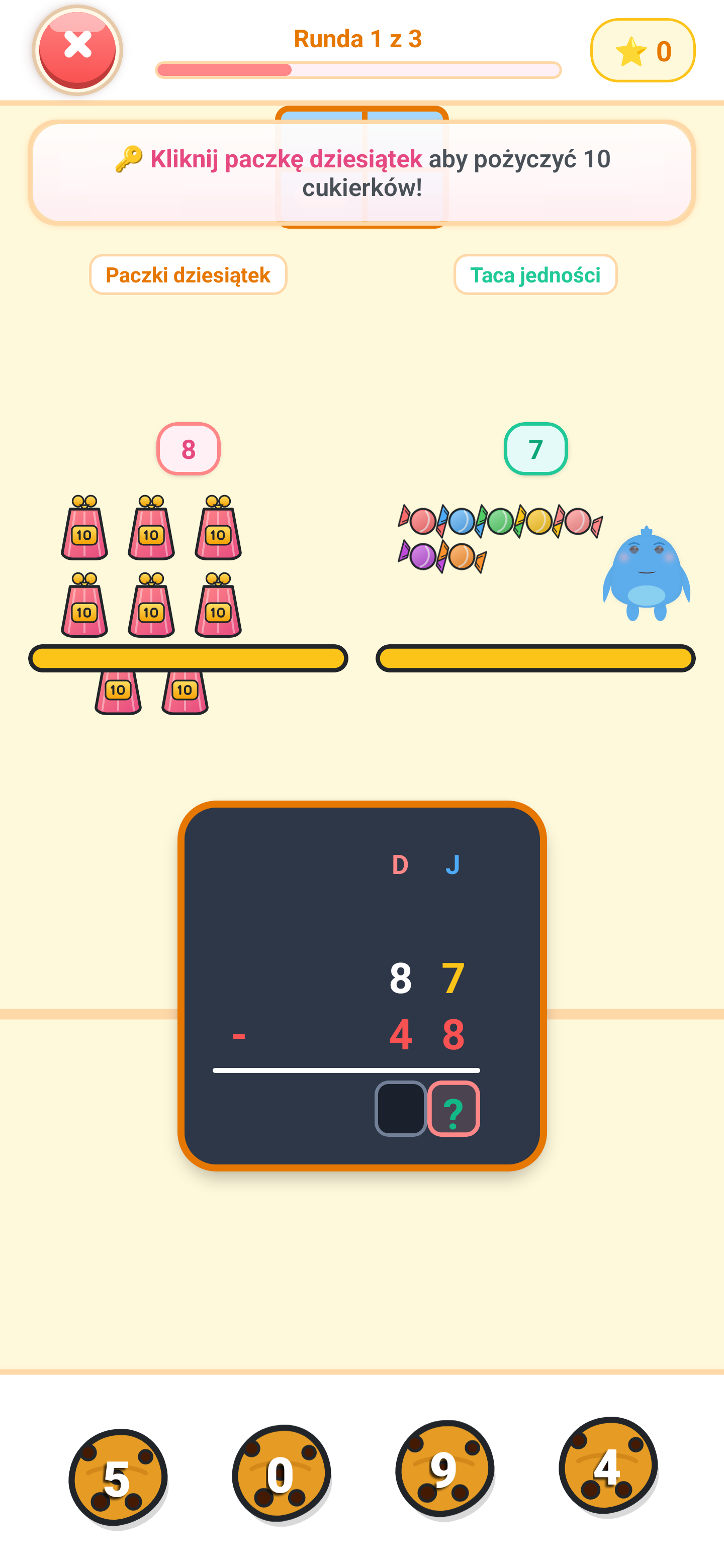
If there are not enough candies in the ones column for the hungry monster, the child breaks open a ten-pack from the left shelf. It splits into 10 single candies, physically demonstrating borrowing.
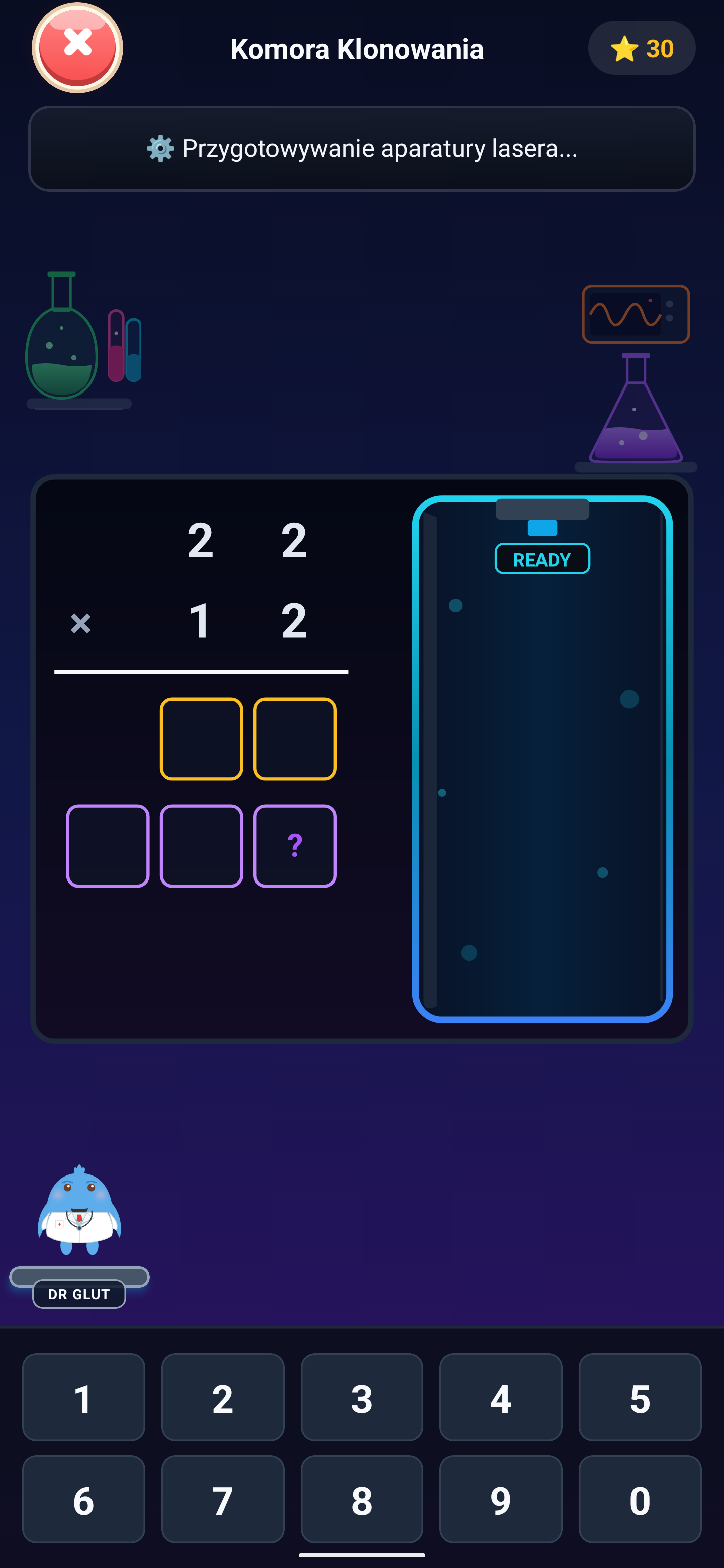
Multiplication by two-digit numbers requires shifting rows. In the game, a helper named Clone-Zero guards the empty ones column spot, helping children grasp the decimal shift structure.
Creatures walk down to their cinema seats after correctly computing quotient digits, visualising the entire long division algorithm in columns.
Key features that support independent learning while giving parents complete control and peace of mind.
A warm voiceover reads instructions, counts along with your child, and provides gentle hints. This allows children to complete many activities independently.
See what your child has already mastered and where extra practice helps. Track progress and unlocked worlds without stress or grading, using positive reinforcement.
A built-in timer lets you set a daily screen time limit. Optional calm mode reduces extra animations and visual stimuli, helping children stay focused.
No third-party ads, no subscription, and full privacy protection. The app requires no child account and works offline once downloaded.
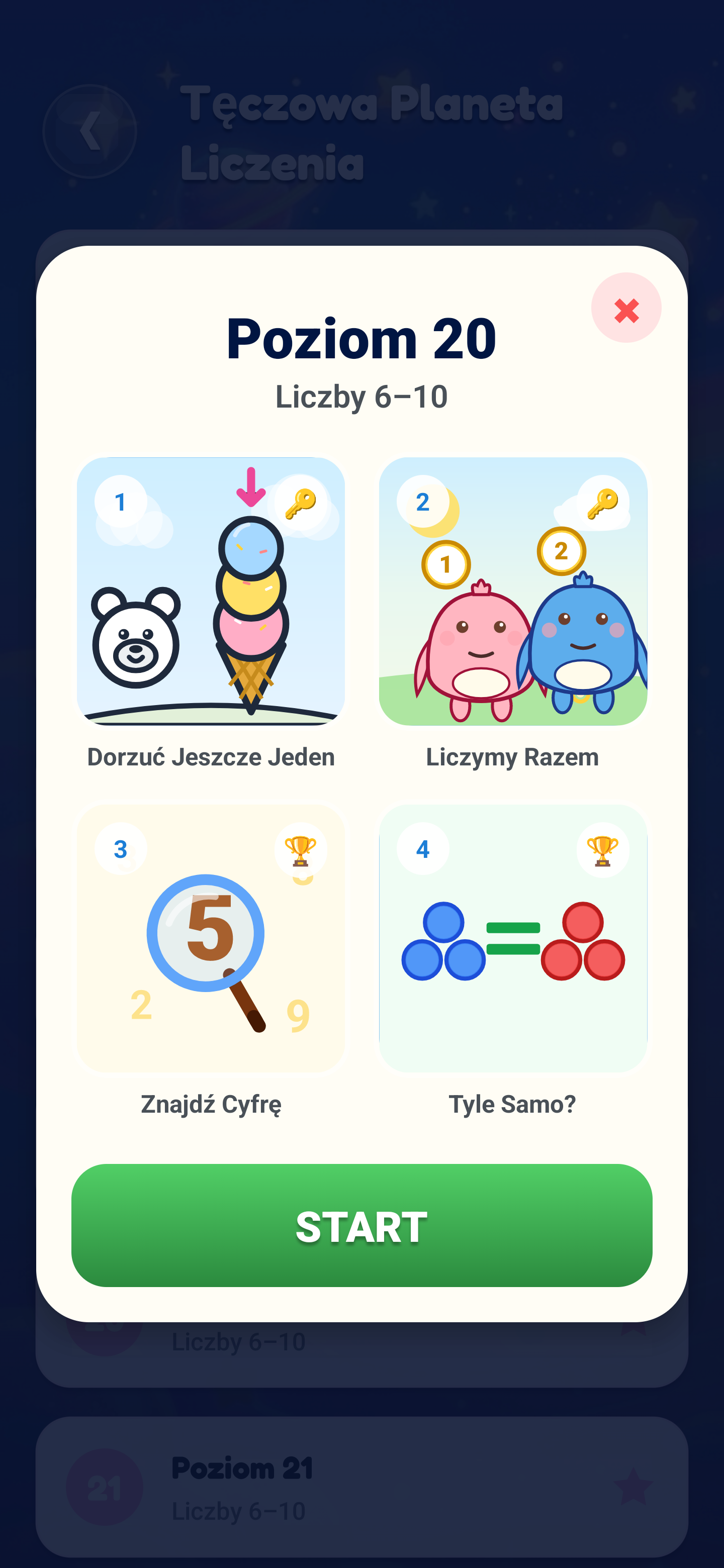
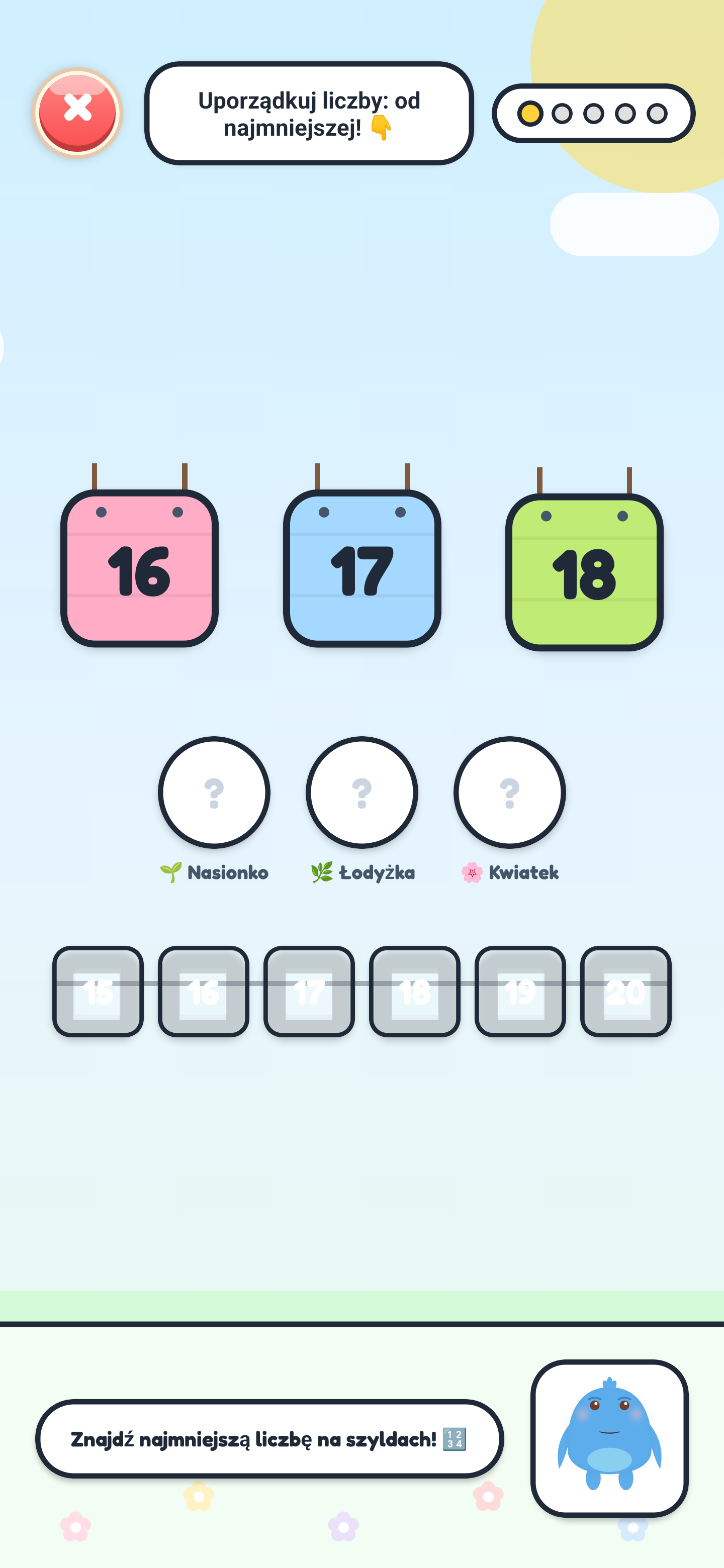
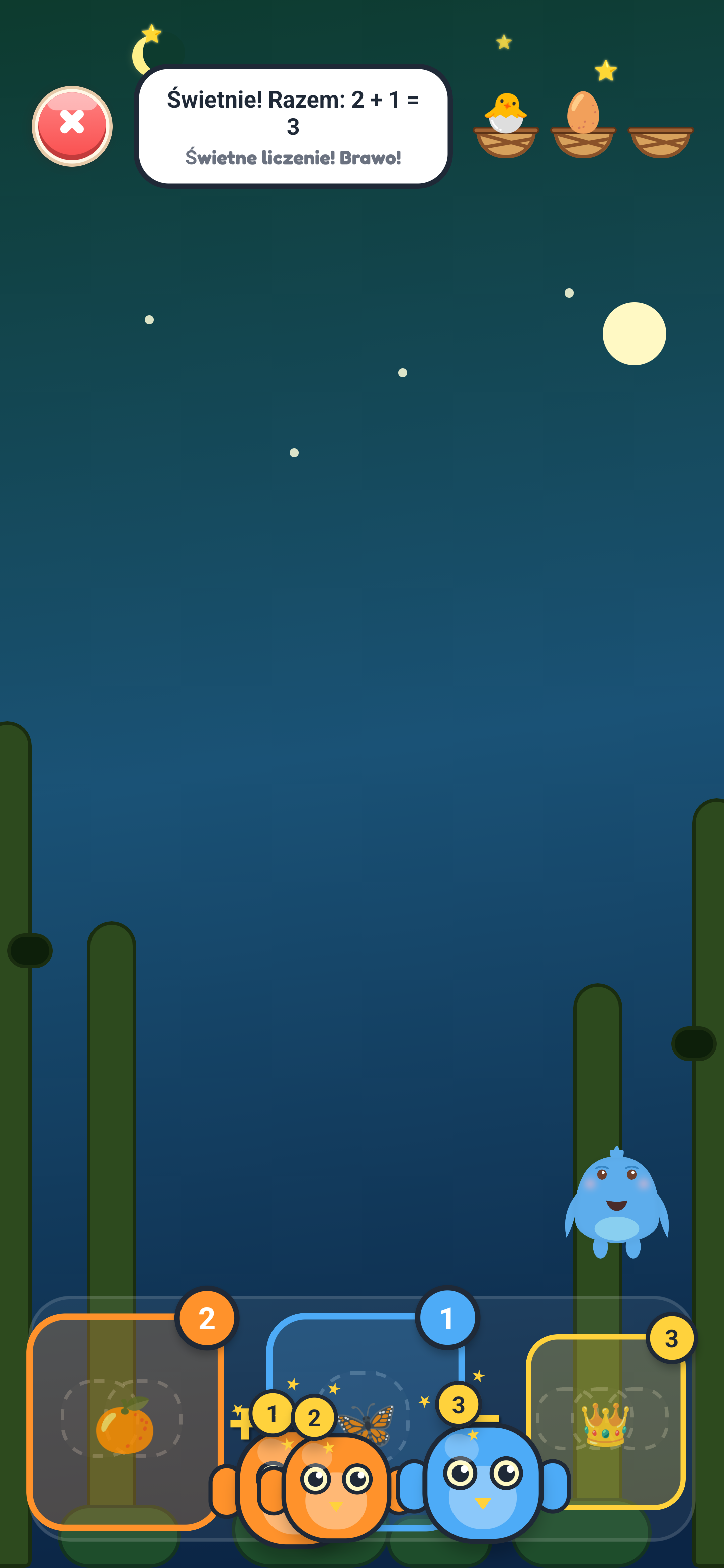
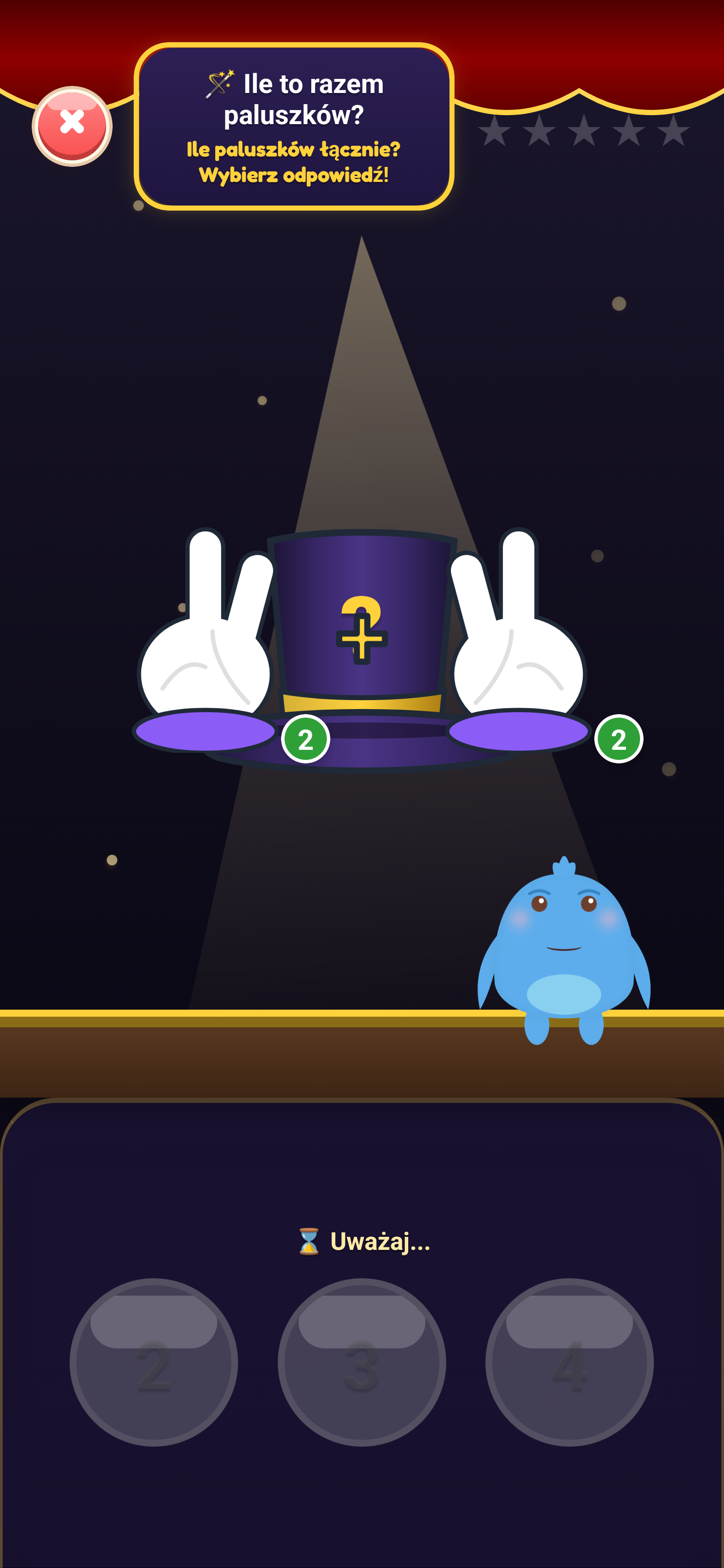
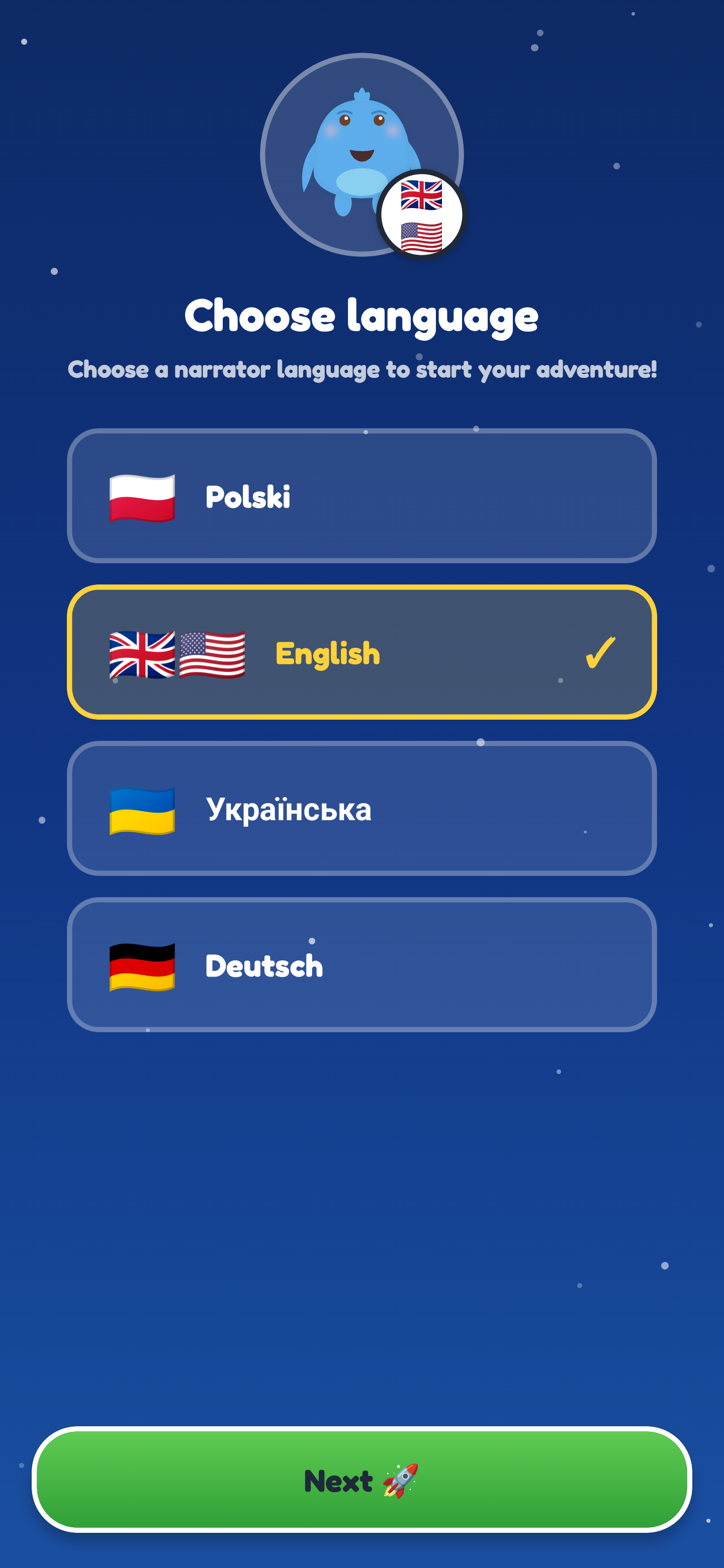
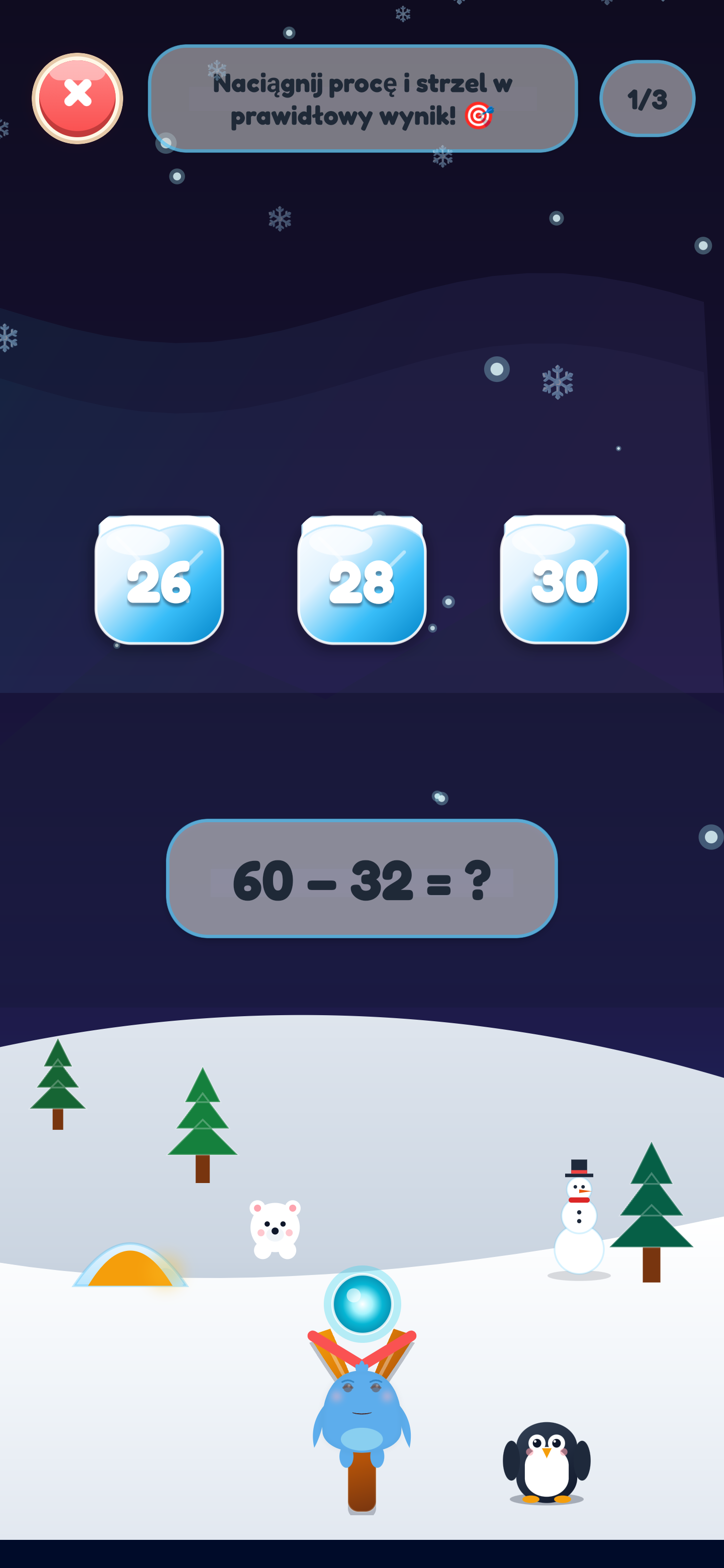
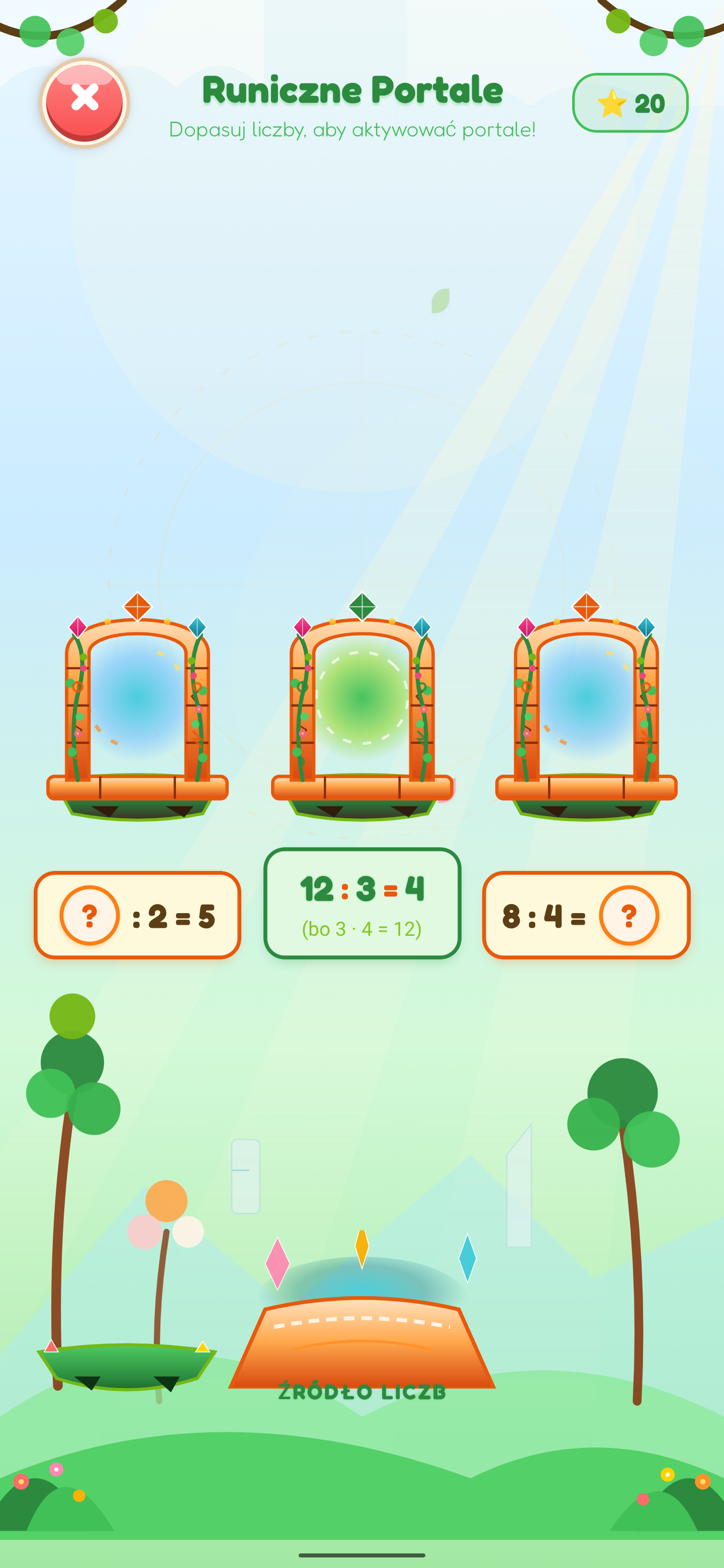
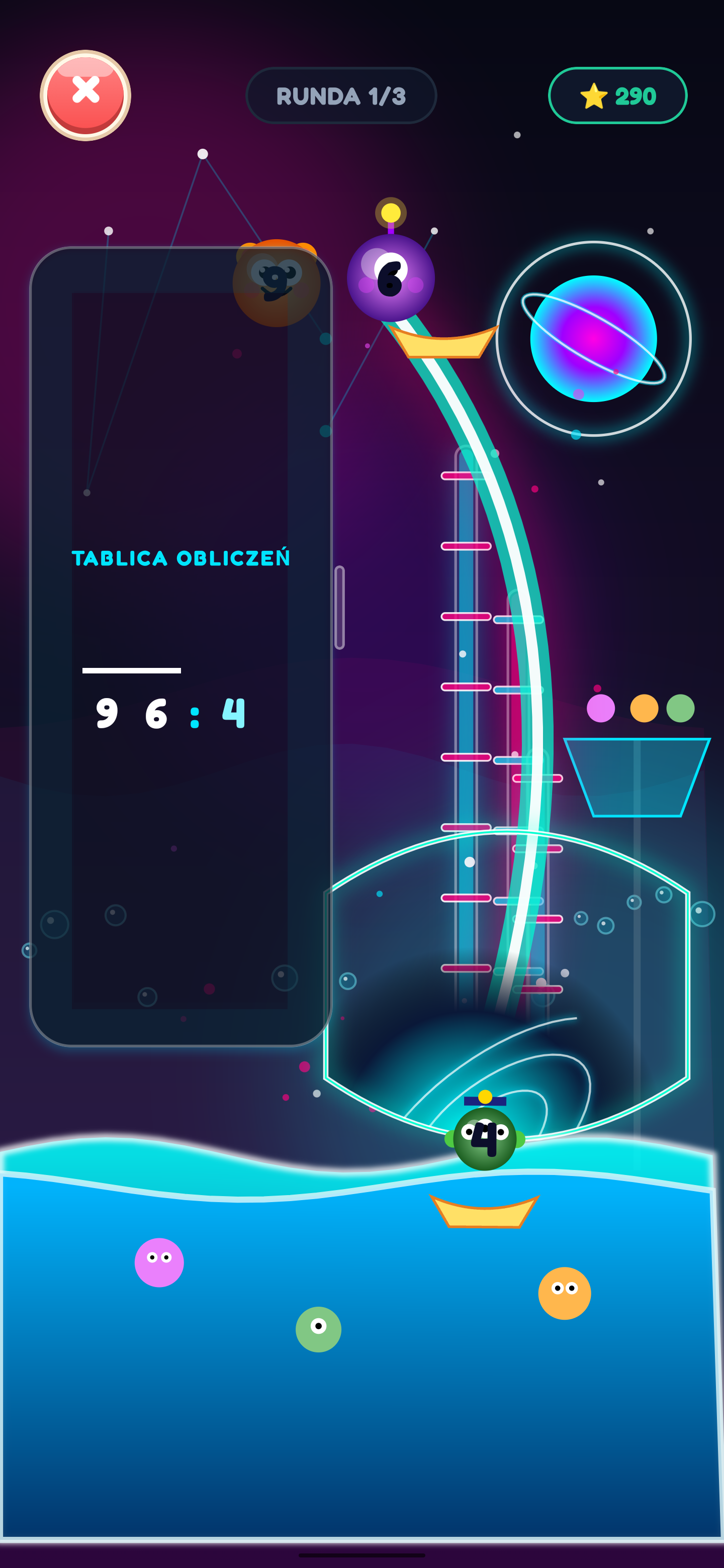
Colorful game boards, friendly characters, and clear user interfaces make it easy for children to learn at their own pace. Click on a screenshot to expand.
Explore our other educational projects designed for children's safe and smart development.
9 cheerful games, 30 interactive reading books, and over 1500 syllables based on a step-by-step approach to syllables and blending them into words. Guides children from their first syllables to independent reading. (Note: The game is available exclusively in Polish.)
Guides for parents, speech therapy games, and tips on how to teach a child to read fluently without pressure, supporting their natural development.
Fun, interactive game to learn first English words, phrases, and correct pronunciation. Designed for Polish-speaking children (instructions and narrator in Polish). Ad-free • no subscription • learning through play.
Discover practical ways to support math learning at your child's pace.
 Digital Hygiene & Values
Explore math games together with your child. Discover Number Land: no ads, a one-time purchase of the full version and educational materials offline after download.
Read Article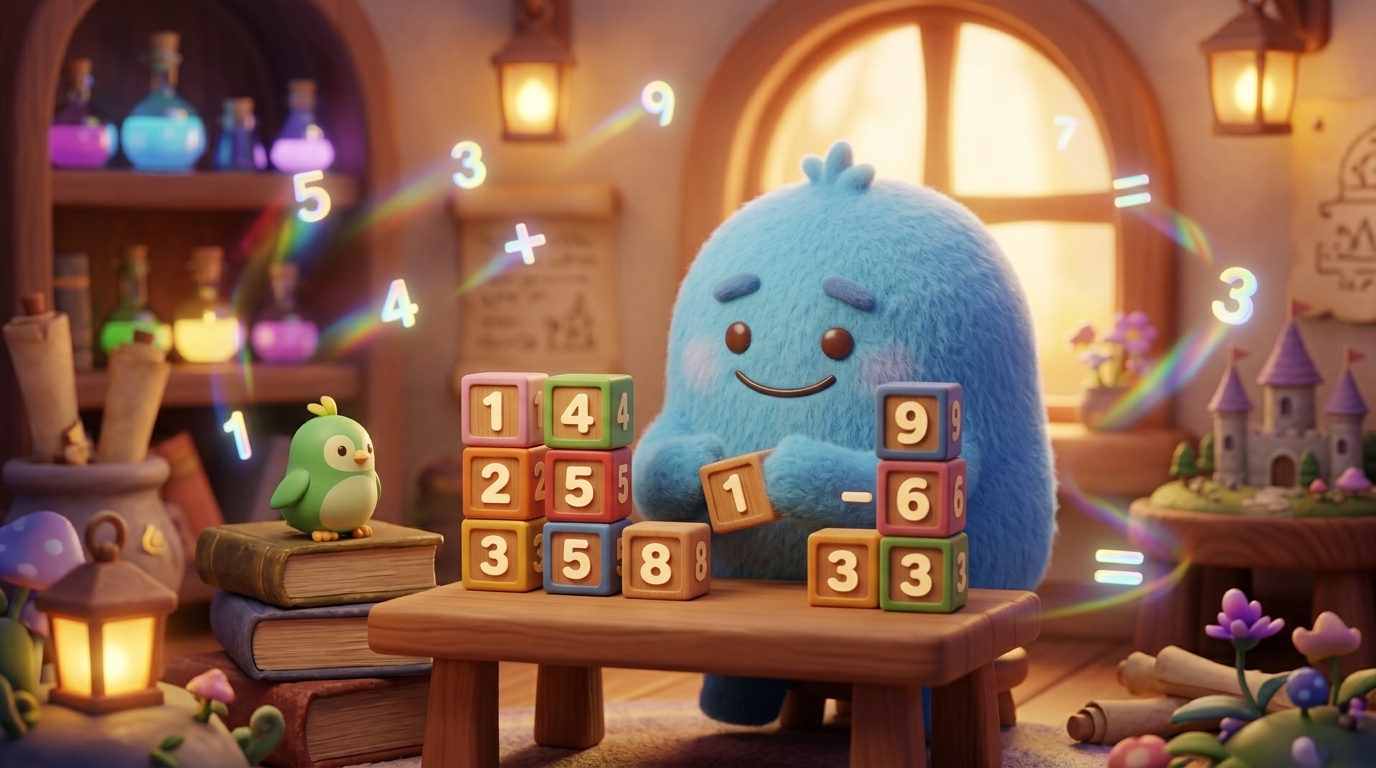 Pedagogy & Tips
Discover practical methods for teaching written math algorithms (column addition, subtraction, division) based on the CPA method. Turn abstract rules into playful object manipulation!
Read Article Development & Learning
Discover what subitizing is, how small quantities can be recognized without counting each object, and how activities may support preschool number sense.
Read ArticleHave questions about the game Number Land? We have prepared answers to the questions parents ask most frequently.
The game was designed for children aged 3 to 8 (kindergarten and the first grades of primary school). The difficulty increases gradually, allowing kids to learn at their own pace in a safe and supportive atmosphere.
Ad-free. No subscription. No additional purchases. You unlock the full version with a single payment through a secure parental gate.
All games and educational activities work offline once downloaded. An internet connection is only needed to download the app, handle purchases, and access network features.
Number Land currently offers 5 mathematical worlds with 41 educational activities (including division). Children gradually explore and practice number recognition and tracing, counting up to 20, comparing sets, addition, subtraction, and the basics of multiplication and division. All this is structured into activities inspired by the CPA approach: tasks progress from visual representation of quantities and object manipulation on screen to numerals and mathematical operations.
Number Land has been approved by teachers and specialists in the Google Play program and received the "Teacher Approved" badge. The app is targeted at the "Ages up to 5" and "Ages 6–8" groups. In the review by teachers and experts for the "Ages up to 5" category, Number Land was highlighted as: • educational, • in the Math category, • fun and engaging, • addressing a popular topic, • designed with kids in mind, • using words and sounds, • easy to use, • featuring quality graphics and animation, • supporting creativity and imagination, • encouraging critical thinking. The application is also featured in the "Kids" section on Google Play. This badge reflects an evaluation within the Google Play program. It is not a certificate of educational effectiveness nor a guarantee of specific learning outcomes.
In the Google Play Store (Android), the Family Library does not share in-app purchases across accounts. Since Number Land operates in a safe freemium model, the purchase is bound directly to the Google account on which it was finalized.
On your child's device, launch the game and open the full version unlock screen.
A Google Play window appears. Click the blue Agree button.
If Family Link and a family payment method are set up on the child's account, Google Play may display it during purchase. Click Buy.
Google Play displays a Family Link approval modal with two options:
Child clicks Ask in message and sees confirmation.
Receive a notification from Family Link (or email). Click Review.
A confirmation screen appears. Click Continue and confirm with your card.
Don't worry! Since the purchase was tied to your Google account, the simplest solution is to request a refund in Google Play:
On Apple devices, the purchase may be available to Apple Family members if purchase sharing is enabled. In that case, you can usually restore the purchase on the child's device via the Parent Zone.
This is not possible. The full version of Number Land is currently sold exclusively through Google Play and Apple App Store. Child clicked "Ask parent to buy" but no Family Link notification appeared? • Option A (Fastest): Enter your Google account password or parental PIN directly on the child's device during purchase. • Option B: On parent's phone, open Google Play Store -> Profile -> Payments & subscriptions -> Approval requests. The request is waiting there even if the push notification was missed.
By default, all learning progress, earned stars, and unlocked worlds are stored locally on your device (following Privacy by Design). An optional cloud sync feature via an anonymous KC code is available in the game (Parents Area ➔ Synchronization) – if you saved your code or linked devices, your progress can be restored immediately. If you did not use cloud sync, email us at kontakt@krainacyfr.pl with the level reached, and we will send a one-time recovery code to restore your child's progress and stars.
Have questions about the game, curriculum, or features? We'd love to help!
We are open to feedback and suggestions from parents, educators, and teachers.
We usually reply within 24-48 hours on business days.